Best Alarm Management Software for Manufacturing in 2026: Reduce Noise, Catch Real Problems

The average manufacturing plant generates thousands of alarms per day. Most operators ignore them. Not because they're lazy — because they've learned from experience that 90% of alarms are noise. Nuisance alarms. Standing alarms. Alarm floods during startup sequences. The sheer volume has trained operators to dismiss alerts that might actually matter.
This is the alarm management crisis in manufacturing, and it kills people, destroys equipment, and costs billions annually. The ISA-18.2 standard for alarm management exists precisely because poor alarm practices have been linked to major industrial incidents worldwide.
The good news: modern IIoT platforms are finally giving manufacturers the tools to rationalize, prioritize, and manage alarms effectively — if you pick the right one.
The Alarm Management Problem: By the Numbers
Before diving into software solutions, let's quantify the problem:
- A well-managed plant should have fewer than 6 alarms per operator per hour during normal operations (ISA-18.2 benchmark)
- The average plant sees 30+ alarms per operator per hour — 5x the recommended maximum
- 70% of alarms in a typical DCS/SCADA system are nuisance alarms that require no operator action (Engineering Equipment and Materials Users Association)
- Alarm floods (>10 alarms per minute) occur regularly during startups, shutdowns, and upset conditions
- Operator response time to critical alarms degrades exponentially as total alarm volume increases
The consequence: when a genuinely critical alarm fires — the one that could prevent a $500K equipment failure or a safety incident — it gets lost in the noise. An operator scanning 50 active alarms has no way to distinguish the one that matters from the 49 that don't.
What Good Alarm Management Software Looks Like
Effective alarm management in manufacturing requires five capabilities that most SCADA and DCS systems handle poorly:
1. Configurable Thresholds with Context
The foundation of good alarm management is setting the right thresholds in the first place. But "right" isn't a fixed number — it depends on context.
A motor running at 72°C might be perfectly normal during a heavy cutting operation but alarming during a light finishing pass. Hydraulic pressure at 2,500 PSI is expected under load but concerning at idle. These contextual differences mean that simple fixed thresholds generate massive numbers of false alarms.
MachineCDN's threshold system lets you configure alarm limits per machine, per parameter, with the granularity to set different thresholds for different operating contexts. You define not just the alarm limit but also an approaching threshold — a warning level that gives your team time to respond before the parameter crosses into alarm territory.
This approaching/active distinction is critical. An "approaching" alert at 65°C gives your maintenance tech 30 minutes to investigate. An "active" alarm at 72°C means the machine is already in trouble. Different urgency, different response — and the system manages both.
2. Alarm Type Classification
Not all alarms are equal, and your alarm management system should reflect this. Alarm types should include:
- Safety alarms — Immediate risk to personnel (highest priority, never suppressed)
- Equipment protection alarms — Risk of equipment damage (high priority)
- Process alarms — Quality or production impact (medium priority)
- Informational alarms — Status changes that require awareness but not action (low priority)
- Diagnostic alarms — Internal equipment diagnostics (maintenance reference only)
MachineCDN supports configurable alarm types with status tracking, allowing you to define classification schemes that match your plant's alarm philosophy. Each alarm type can have different notification rules, escalation paths, and response time expectations.

3. Active Alarm Dashboard
When an operator looks at their alarm management screen, they need answers to three questions immediately:
- What's alarming right now?
- How severe is it?
- What should I do about it?
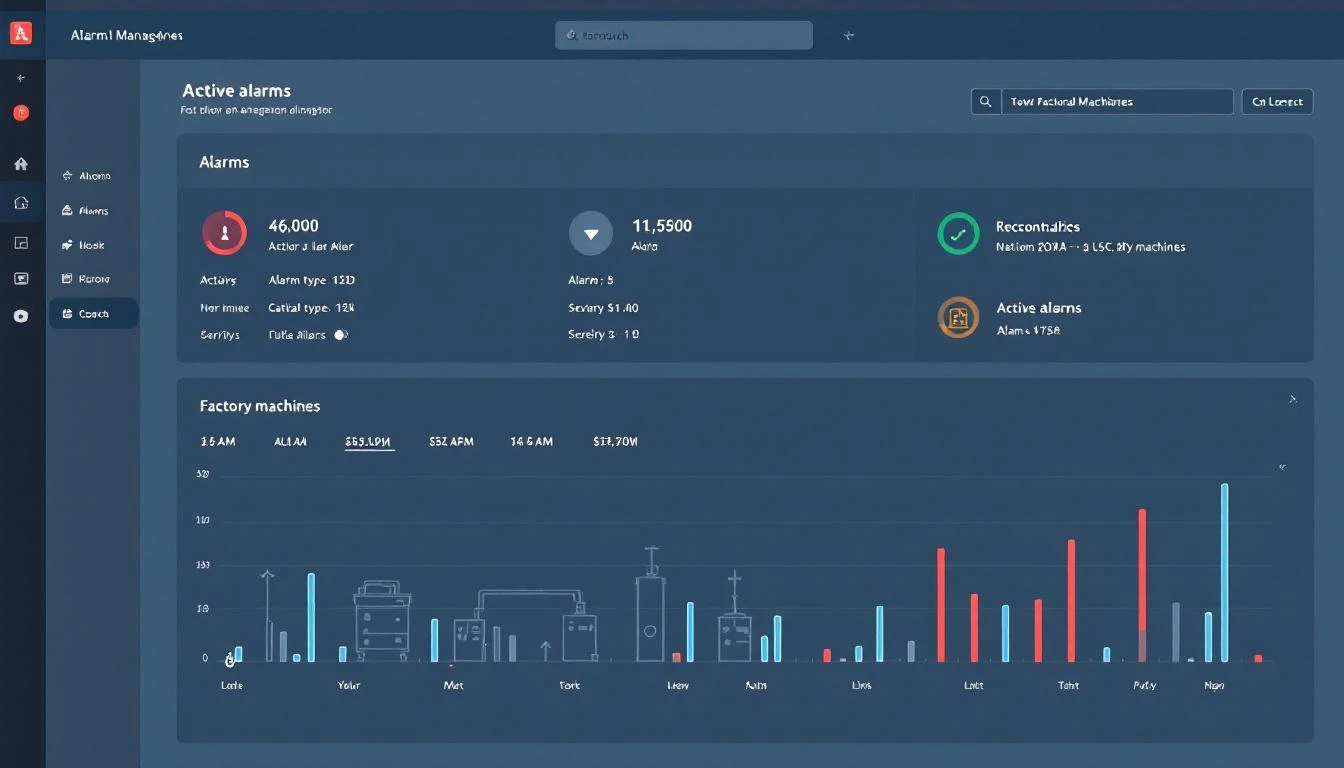
MachineCDN's active alarms view provides a consolidated dashboard of all currently active alarms across your fleet — sortable by severity, by machine, by zone, or by time. Approaching thresholds are displayed separately from active alarms, so operators can distinguish between "watch this" and "act now."
The alarm-per-machine view lets maintenance managers drill into a specific piece of equipment and see its complete alarm history — not just what's active now, but the pattern of alarms over time. If Machine 7 has thrown a hydraulic pressure alarm three times this week (each time briefly, then recovering), that pattern tells a story that individual alarm acknowledgements miss.
4. Alarm Status Lifecycle
An alarm isn't a binary event — it has a lifecycle:
- Raised — Parameter exceeds threshold
- Acknowledged — Operator has seen and acknowledged the alarm
- Under investigation — Someone is working on it
- Resolved — Root cause addressed, parameter returned to normal
- Closed — Documented with resolution details
Tracking this lifecycle is how you ensure alarms don't fall through the cracks. A raised alarm that's never acknowledged is a process failure. An acknowledged alarm that's never resolved is a reliability risk. A resolved alarm that's never documented is a missed learning opportunity.
MachineCDN's alarm status system tracks alarms through their lifecycle, providing visibility into response times, resolution times, and documentation completeness. Over time, this data reveals whether your alarm response process is working — or whether alarms are being acknowledged and ignored.
5. Alarm Analytics and Rationalization
The long-term goal of alarm management isn't better alarm response — it's fewer alarms. Alarm rationalization is the systematic process of reviewing every configured alarm, validating that it's necessary, confirming the threshold is appropriate, and eliminating alarms that don't drive action.
To rationalize effectively, you need data:
- Which alarms fire most frequently? (Top 10 bad actors are usually 80% of your alarm volume)
- Which alarms are always acknowledged but never actioned? (These are candidates for threshold adjustment or elimination)
- Which alarms are always in standing state? (These need threshold redesign)
- What's the alarm rate trend? (Is it getting better or worse?)
An IIoT platform with comprehensive alarm history and analytics capabilities provides this data automatically. Without it, alarm rationalization studies require expensive consultants who manually review alarm logs from DCS historians.
IIoT Platforms and Alarm Management: A Comparison
Most IIoT platforms treat alarms as a secondary feature — if they handle them at all. Here's where the major platforms fall:
MachineCDN — Full alarm management with configurable thresholds, approaching/active states, alarm types, alarm status tracking, per-machine alarm views, and fleet-wide alarm dashboards. Alarm data is integrated with the same platform that handles machine monitoring, predictive maintenance, and downtime tracking.
IoTFlows — Provides machine health scores based on seven vibration metrics, but health scores are not the same as alarm management. A health score of "67/100" tells you the machine isn't perfect, but it doesn't tell the operator what specific parameter is out of range, what action to take, or how urgent the response needs to be. IoTFlows doesn't provide traditional alarm management with configurable thresholds and alarm lifecycle tracking.
MachineMetrics — Offers basic alerting for machine status changes and production deviations, but primarily focused on CNC machines. Not a comprehensive alarm management system.
Litmus — Edge data platform that can collect alarm data from PLCs but doesn't provide alarm management workflow (thresholds, types, status tracking, analytics) natively.
Traditional SCADA/DCS — Comprehensive alarm management built in (Rockwell FactoryTalk Alarms, Siemens WinCC), but limited to the machines connected to that specific SCADA system. No cross-plant, fleet-wide alarm visibility.
Standalone CMMS — Fiix, UpKeep, Limble — can receive alarm notifications and create work orders, but don't manage alarms at the source. They're alarm consumers, not alarm managers.
Building an Alarm Management Strategy with IIoT
If you're serious about improving alarm management in your plant, here's a practical roadmap:
Phase 1: Establish Baseline (Weeks 1-4)
Connect your equipment to an IIoT platform that captures all PLC alarms. Let the system collect alarm data without changing anything. After 30 days, you'll have a clear picture of your alarm volume, frequency, and patterns.
Phase 2: Identify Bad Actors (Weeks 4-6)
Run a Pareto analysis on alarm frequency. The top 10 most frequent alarms typically account for 60-80% of total alarm volume. For each bad actor, determine: Is the threshold correct? Is the alarm necessary? Can it be redesigned?
Phase 3: Rationalize and Reconfigure (Weeks 6-10)
Adjust thresholds, eliminate nuisance alarms, and add approaching thresholds for critical parameters. Implement alarm type classification so operators can prioritize effectively.
Phase 4: Monitor and Improve (Ongoing)
Track alarm metrics over time: alarms per hour, acknowledgement response time, standing alarm count, and bad actor list. Set targets aligned with ISA-18.2 benchmarks. Review monthly.
MachineCDN's integrated alarm management system supports all four phases — from initial data collection through ongoing metrics tracking. Because alarm data lives in the same platform as machine monitoring, downtime tracking, and maintenance scheduling, you can directly connect alarm patterns to downtime events and maintenance actions.
The Real-World Impact
Consider a plastics manufacturer running 24 injection molding machines across two shifts. Before implementing proper alarm management:
- 450 alarms per shift across all machines
- 12 standing alarms that nobody investigates (accepted as "normal")
- 3 missed critical alarms per month that led to equipment damage
- Average alarm response time: 22 minutes (including 15 minutes to figure out which alarm matters)
After implementing IIoT-powered alarm management with threshold rationalization:
- 85 alarms per shift (81% reduction)
- Zero standing alarms (thresholds properly calibrated)
- Zero missed critical alarms (because they're not buried in noise)
- Average alarm response time: 3 minutes (because operators trust the remaining alarms)
The equipment damage prevented in the first 6 months paid for the entire IIoT deployment. That's the ROI of alarm management done right.
The Bottom Line
Alarm management isn't glamorous. It doesn't make for exciting demos or compelling trade show presentations. But it's one of the highest-ROI improvements a manufacturing plant can make — and it requires an IIoT platform that treats alarms as first-class citizens, not afterthoughts.
Look for configurable thresholds with approaching states, alarm type classification, status lifecycle tracking, per-machine alarm history, and fleet-wide analytics. Most importantly, look for a platform where alarm management is integrated with machine monitoring, maintenance scheduling, and downtime tracking — because alarms don't exist in isolation.
Ready to bring your alarm volume under control? Book a demo and we'll show you what rationalized alarm management looks like.