How to Connect PLCs to the Cloud: A Practical Guide for Manufacturing Engineers

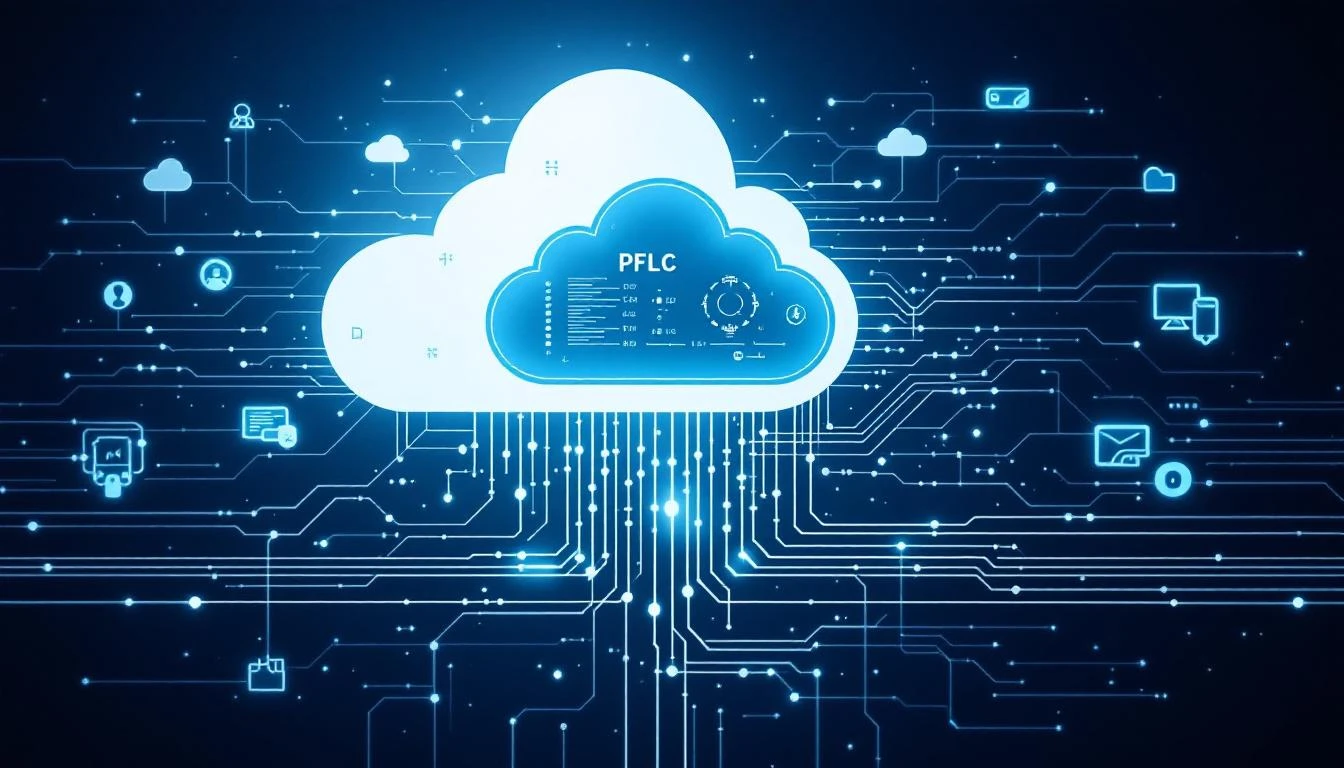
Your PLCs are already collecting everything you need — temperature, pressure, cycle counts, motor current, alarm states. The problem is that data lives in a controller on the factory floor, visible only to whoever's standing in front of the HMI. Connecting your PLCs to the cloud unlocks real-time visibility, predictive maintenance, and fleet-wide analytics across every plant.
This guide covers the practical reality of doing it — not the whiteboard architecture, but the actual engineering decisions, protocol considerations, and pitfalls you'll hit along the way.
Why Connect PLCs to the Cloud?
Before we get into the how, let's be clear about the why. The most common objections from plant engineers are "my PLCs work fine" and "I don't want cloud anywhere near my production." Both are fair — but they miss the point.
You're not replacing your PLCs. You're adding a read-only data layer on top of them. The benefits:
- Remote monitoring: See every machine across every plant from one dashboard, without walking the floor
- Historical trending: Your PLC stores maybe 24 hours of trend data. The cloud stores years. That history is where patterns hide.
- Predictive maintenance: AI models need data volume. A PLC can't run a neural network, but a cloud platform can analyze millions of data points across your fleet.
- Downtime analysis: Real-time OEE, root cause analysis, and downtime tracking become automatic instead of manual clipboard exercises.
- Fleet comparison: When you can see all your assets in one view, you can identify why Machine A in Plant 2 runs 12% more efficiently than Machine A in Plant 5.
According to McKinsey, factories that effectively capture and analyze equipment data see 10-20% reductions in maintenance costs and 20-50% reductions in unplanned downtime.
Understanding Your PLC Protocol
The first engineering decision is how to get data out of your PLC. This depends entirely on what PLC family you're running.
Ethernet/IP
Used by: Allen-Bradley (Rockwell), Omron (NJ/NX series)
Ethernet/IP is the most common protocol in North American discrete manufacturing. It runs over standard Ethernet and supports implicit (cyclic) and explicit (request/response) messaging. For cloud connectivity, you'll use explicit messaging to read tag values.
What you need to know:
- Tag-based addressing (no register numbers — you read by tag name)
- Supports structured data types (UDTs)
- Typical read cycle: 100ms-1s is practical for cloud-bound data
- Port: TCP 44818
Modbus TCP/RTU
Used by: Nearly everything. Schneider, ABB, Siemens (some), Chinese PLCs, VFDs, power meters, older equipment.
Modbus is the universal language of industrial automation. It's simple, well-documented, and supported by virtually every device made in the last 30 years.
What you need to know:
- Register-based addressing (holding registers, input registers, coils, discrete inputs)
- 16-bit registers — need to combine two for 32-bit floats
- Modbus TCP runs over Ethernet; Modbus RTU runs over RS-485 serial
- Maximum 125 registers per read request (plan your polling groups)
- Port: TCP 502
OPC UA
Used by: Siemens (S7-1500 native), Beckhoff, B&R, many SCADA systems
OPC UA is the modern standard for industrial interoperability. It provides structured information models, built-in security, and platform-independent communication. It's the right protocol if your PLCs support it natively.
What you need to know:
- Server-client architecture (PLC runs OPC UA server)
- Browse the address space to discover available data points
- Supports subscriptions (server pushes changes instead of polling)
- Built-in encryption and authentication
- Port: TCP 4840 (default)
Profinet / EtherNet/IP CIP
These are typically used for real-time device-level communication (PLC to drives, I/O, robots). You generally don't pull cloud data directly from these — instead, you read the data from the PLC that's already aggregating it.
The Edge Gateway: Your Bridge Between OT and Cloud
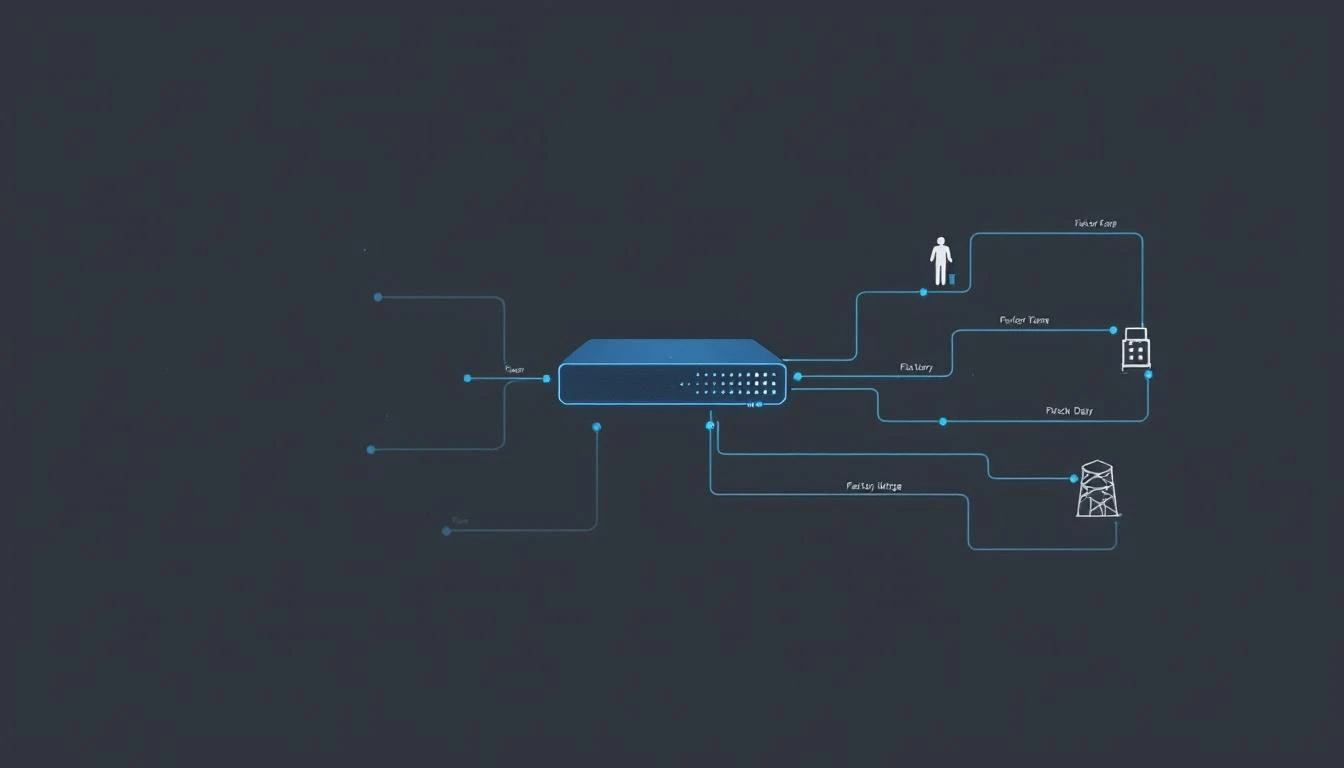
You do NOT want your PLC talking directly to the internet. Ever. The edge gateway is the critical architectural component that sits between your PLCs and the cloud.
What an Edge Gateway Does
- Protocol translation: Speaks Ethernet/IP, Modbus, or OPC UA to your PLCs; speaks MQTT or HTTPS to the cloud
- Data buffering: If cloud connectivity drops, the gateway stores data locally and forwards when connection resumes (store-and-forward)
- Edge processing: Basic filtering, aggregation, and change-detection at the edge to reduce bandwidth and cloud costs
- Security boundary: The gateway is the only device that has outbound internet access; your PLCs stay on the isolated OT network
Gateway Options
Industrial cellular gateways are the fastest path to production. They have built-in cellular modems (4G LTE / 5G), so they don't touch your plant network at all. This eliminates the IT/OT convergence headache entirely.
MachineCDN's approach uses industrial cellular gateways that connect to PLCs via Ethernet/IP or Modbus, stream data over cellular to the cloud, and have your first machine online in under 3 minutes. No plant network configuration, no IT tickets, no firewall rules.
Alternative gateway hardware:
- Advantech industrial PCs (UNO series)
- Moxa industrial gateways
- Siemens IOT2050
- Dell Edge Gateway 3000/5000
- Generic x86 mini-PCs running Linux
For DIY approaches, you'll need to configure protocol drivers, MQTT clients, TLS certificates, and store-and-forward logic yourself. Budget 2-4 weeks of engineering time per gateway type.
Step-by-Step: Connecting Your First PLC
Step 1: Audit Your PLC Program
Before connecting anything, understand what data is available. Open your PLC program and identify:
- Tag list / register map: What tags or registers contain the data you want?
- Data types: INT, DINT, REAL, BOOL, STRING? (This matters for protocol configuration)
- Update rates: How often does the PLC update these values?
- Access level: Is the data in read-only tags, or do you need to navigate program scope?
Create a spreadsheet mapping: PLC Address → Data Type → Description → Units → Read Frequency
Example for a CNC machine on Allen-Bradley CompactLogix:
| Tag Name | Type | Description | Units | Read Interval |
|---|---|---|---|---|
| Spindle_Speed | REAL | Current spindle RPM | RPM | 1s |
| Spindle_Load | REAL | Spindle load percentage | % | 1s |
| Coolant_Temp | REAL | Coolant temperature | °F | 5s |
| Parts_Count | DINT | Total parts since reset | count | 5s |
| Machine_State | INT | 0=Off, 1=Idle, 2=Running, 3=Alarm | enum | 1s |
| Active_Alarm | DINT | Current alarm code | code | 1s |
Step 2: Configure Your Edge Gateway
With your tag map in hand:
- Network the gateway: Connect the gateway's Ethernet port to the same switch/VLAN as your PLC (or use a direct Ethernet cable for simplicity)
- Configure the PLC driver: Set the PLC IP address, protocol (Ethernet/IP or Modbus TCP), and timeout values
- Map your tags: Enter the tag names or register addresses you identified in Step 1
- Set polling intervals: 1 second for critical parameters, 5-15 seconds for slow-changing values, 60 seconds for environmental data
- Configure cloud connectivity: Set the cloud endpoint URL, authentication credentials, and data transmission interval
With a platform like MachineCDN, steps 2-5 are handled through a guided setup wizard — the gateway auto-discovers PLC types and available tags.
Step 3: Validate Data Flow
Before trusting any cloud data, validate it against the source:
- Read a value directly from the PLC (via HMI or programming software)
- Confirm the same value appears in your cloud dashboard
- Check the timestamp — is the latency acceptable? (Under 5 seconds is typical for cloud monitoring)
- Change a value (e.g., run the machine, change setpoints) and confirm the cloud reflects the change
- Simulate a network interruption — does the gateway buffer and resend?
Step 4: Scale to More Machines
Once your first machine is validated, expanding is mostly configuration:
- Add a gateway per machine (or per group of nearby machines if they share a network segment)
- Apply the same tag mapping template, adjusted for each machine's specific PLC program
- Set up threshold alerts for each new machine
- Configure the dashboard for fleet-wide visibility
Security: The Non-Negotiable Layer
PLC-to-cloud connectivity creates a potential attack vector. Here's how to do it safely:
Network Segmentation
Rule #1: Your PLCs should NEVER be directly accessible from the internet. The edge gateway creates a one-way data flow — data goes out from the OT network, commands never come in from the cloud.
Best practice network architecture:
- Level 0-2 (OT Network): PLCs, HMIs, edge gateways — isolated VLAN, no internet access
- Edge gateway: Dual-homed — one interface on OT network (reads PLC data), one interface on cellular or DMZ (sends to cloud)
- Cloud platform: Receives data over TLS-encrypted MQTT or HTTPS
Authentication & Encryption
- TLS 1.2+ for all cloud communication — no unencrypted data in transit
- Certificate-based authentication — the gateway authenticates to the cloud with a unique device certificate
- No inbound connections — the gateway initiates all connections outbound; no open listening ports
Cellular Advantage
This is why cellular connectivity has become the preferred approach for IIoT. When the gateway uses a cellular modem:
- Zero attack surface on the plant network — the gateway doesn't connect to your corporate/plant network at all
- No firewall rules to manage — cellular connections are outbound-only by default
- IT team stays happy — they don't need to approve anything because you're not touching their network
- Air gap preserved — the OT network remains physically isolated
Common Mistakes and How to Avoid Them
Mistake 1: Polling Too Fast
Reading 500 tags every 100ms will overload your PLC's communication processor. The PLC's primary job is controlling the process — communication is secondary. Start with 1-5 second intervals and only increase frequency where you have a specific engineering justification.
Mistake 2: Ignoring Data Types
A REAL (32-bit float) in a Modbus register spans two consecutive 16-bit registers. Read them in the wrong byte order and you'll get garbage values. Always verify byte order (Big Endian vs. Little Endian) and word order during commissioning.
Mistake 3: Flat Tag Structure
When you have 200 machines with 50 tags each, that's 10,000 data points. Without a hierarchical naming convention (Plant > Line > Machine > Component > Parameter), your dashboard becomes unusable. Establish naming standards before you scale.
Mistake 4: Forgetting Store-and-Forward
Cellular connections drop. Internet outages happen. Your gateway MUST buffer data locally during connectivity gaps and forward it when the connection resumes. If your gateway doesn't have this capability, you'll have data holes that corrupt your trending and analytics.
Mistake 5: Asking IT Permission First
This sounds controversial, but the reality is: the most successful IIoT deployments happen when OT teams use cellular gateways that bypass the IT network entirely. You can inform IT (and you should), but don't make your project dependent on a 6-month IT approval cycle. The cellular approach eliminates this bottleneck.
Real-World Performance Expectations
For a typical discrete manufacturing setup with Modbus TCP or Ethernet/IP:
| Metric | Expected Performance |
|---|---|
| Tag read latency (PLC to gateway) | 10-100ms |
| Gateway to cloud latency | 200ms-2s (cellular) |
| End-to-end (PLC to dashboard) | 1-5 seconds |
| Data throughput per gateway | 500-2,000 tags/second |
| Typical data volume | 5-50 MB/day per machine |
| Cellular data usage | 1-5 GB/month per gateway |
These numbers assume standard polling configurations. High-frequency vibration data (10kHz+) requires specialized data acquisition hardware, not standard PLC connections.
From Connected to Intelligent
Connecting your PLC to the cloud is step one. What you do with the data is where the value compounds:
- Week 1-2: Real-time dashboards — see every machine from your office or phone
- Week 3-4: Threshold alerts — get notified when parameters exceed normal ranges
- Month 2-3: OEE calculation — automated availability, performance, and quality tracking
- Month 3-6: Predictive maintenance — AI models trained on your historical data start predicting failures
- Month 6+: Fleet optimization — compare machines, plants, and shifts to find systematic improvements
The ROI accelerates with each stage. But you can't get to stage 5 without starting at stage 1.
Getting Started
Pick your highest-impact machine, identify the PLC protocol, and connect an edge gateway. With the right platform, you'll have data flowing to the cloud within a day.
Book a demo with MachineCDN to see how our 3-minute device setup connects to Allen-Bradley, Siemens, Modbus, and more — with zero IT involvement and industrial-grade cellular connectivity.
Related reading: