OPC-UA Security Policies: Certificate Management for Industrial Networks [2026 Guide]
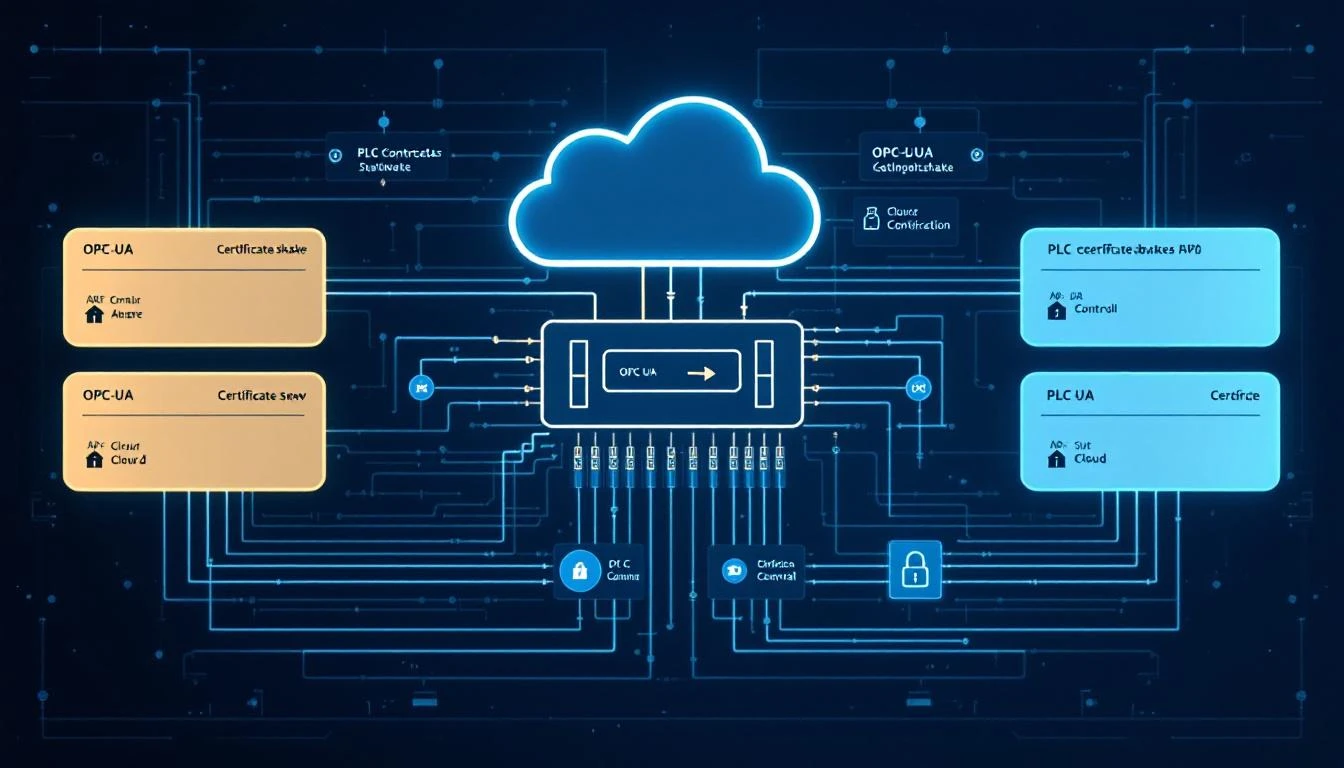
If you've ever deployed OPC-UA in a production environment, you've hit the certificate wall. Everything works beautifully in development with self-signed certs and None security — then the IT security team shows up, and suddenly your perfectly functioning SCADA bridge is a compliance nightmare.
This guide cuts through the confusion. We'll cover how OPC-UA security actually works at the protocol level, what the security policies mean in practice, and how to manage certificates across a fleet of industrial devices without losing your mind.
Why OPC-UA Security Is Different from IT Security
Most IT engineers approach OPC-UA security like they'd approach a web server — slap on TLS, call it a day. But OPC-UA's security model is fundamentally different, and understanding why saves enormous headaches.
OPC-UA implements security at the application layer, not the transport layer. While TLS secures the pipe, OPC-UA secures the messages. This means:
- Message-level signing and encryption happen independently of the transport
- Each application instance gets its own certificate (not just each host)
- The server and client mutually authenticate — both sides present and validate certificates
- Security policies define specific cryptographic algorithms, not just "use encryption"
This design exists because industrial networks often route through protocol translators, message brokers, and edge gateways where transport-layer security would terminate. Message-level security survives those hops intact.
The Three Security Policies You'll Actually Use
OPC-UA defines several security policies, but in 2026, you'll realistically encounter three:
1. None — Development and Legacy Only
Policy URI: http://opcfoundation.org/UA/SecurityPolicy#None
No signing, no encryption. Every message is plaintext. Use this in isolated development environments and absolutely nowhere else.
The temptation to use None in production is real — it eliminates certificate headaches entirely. Resist it. A single compromised HMI on an unsecured OPC-UA network gives an attacker read/write access to every tag on every connected PLC.
2. Basic256Sha256 — The Current Standard
Policy URI: http://opcfoundation.org/UA/SecurityPolicy#Basic256Sha256
- Symmetric encryption: AES-256-CBC
- Asymmetric encryption: RSA with OAEP padding (SHA-256)
- Signature: RSA-PKCS15 with SHA-256
- Key derivation: P-SHA256
- Minimum RSA key length: 2048 bits (4096 recommended)
This is the policy you should default to for new deployments. It provides strong encryption and signing with algorithms that are well-understood and widely supported across OPC-UA stacks.
3. Aes128-Sha256-RsaOaep — When Performance Matters
Policy URI: http://opcfoundation.org/UA/SecurityPolicy#Aes128_Sha256_RsaOaep
Uses AES-128 instead of AES-256 for symmetric encryption, which gives roughly 40% better throughput on constrained edge devices. The security difference between AES-128 and AES-256 is negligible for industrial applications — both are unbreakable with current technology.
If your edge gateway is polling 500+ tags at sub-second intervals and you're seeing CPU pressure from encryption overhead, this policy is a pragmatic choice.
Certificate Lifecycle: The Part Nobody Plans For
Here's where most industrial OPC-UA deployments break down — not at initial setup, but 12–24 months later when certificates start expiring and nobody has a renewal process.
Certificate Structure
Every OPC-UA application certificate needs these fields:
Subject: CN=MyEdgeGateway, O=AcmeMfg, DC=plant-floor
Subject Alternative Name:
  URI: urn:acme:edge-gw-001:opcua
  DNS: edge-gw-001.plant.local
  IP: 10.0.50.101
Key Usage: Digital Signature, Key Encipherment, Non Repudiation,
           Data Encipherment
Extended Key Usage: Client Authentication, Server Authentication
Validity: 730 days (2 years)
Key Size: 2048-bit RSA minimum
Critical points most engineers miss:
- The Application URI in the certificate MUST match the application description's URI. Mismatches cause silent authentication failures.
- Subject Alternative Names must include all possible access paths — hostname, FQDN, IP address. If a client connects via IP and the cert only has a hostname, the connection fails.
- Extended Key Usage must include both Client and Server authentication if the application acts as both (common for edge gateways that aggregate data).
Trust Model
OPC-UA uses an explicit trust model, not the hierarchical CA model you're used to from web PKI. Each application maintains:
- Own certificate store: The application's certificate and private key
- Trusted certificates store: Certificates (or CAs) this application trusts
- Rejected certificates store: Certificates that were presented but not yet trusted
- Issuer certificates store: CA certificates needed for chain validation
When a new device connects for the first time:
- It presents its certificate during the
OpenSecureChannelhandshake - The server doesn't recognize it → places it in the rejected store
- An administrator reviews the rejected certificate
- If legitimate, the admin moves it to the trusted store
- Next connection attempt succeeds
This manual approval step is by design. It prevents unauthorized devices from joining the network even if they have valid certificates signed by a trusted CA.
The Fleet Problem
Manual certificate approval works fine with 5 devices. With 500 devices across 12 plants, it's operationally impossible.
The scalable approach uses a Global Discovery Server (GDS):
┌─────────────────────────────────┐
│     Global Discovery Server     │
│  (Certificate Authority + Dir)  │
└──────────┬──────────────────────┘
           │ Push/Pull certificates
    ┌──────┼──────┬──────────┐
    │      │      │          │
┌───▼──┐ ┌─▼──┐ ┌▼───┐ ┌───▼──┐
│Edge 1│ │PLC │ │HMI │ │Edge N│
│      │ │Svr │ │    │ │      │
└──────┘ └────┘ └────┘ └──────┘
The GDS acts as both a certificate authority and a directory service:
- Applications register with the GDS at startup
- The GDS issues certificates automatically (after initial enrollment approval)
- Certificate renewal happens before expiration via the GDS push model
- Revoked certificates propagate to all applications via Certificate Revocation Lists (CRLs)
Pro tip: Even with a GDS, keep a local rejected certificate store on each application. If the GDS is unreachable (network partition, maintenance), you don't want to silently accept or reject connections — you want to queue them for review.
Security Modes: Sign vs. SignAndEncrypt
Each OPC-UA connection negotiates a message security mode in addition to the security policy:
| Mode | Signing | Encryption | Use Case |
|---|---|---|---|
None | ❌ | ❌ | Dev only |
Sign | ✅ | ❌ | Integrity without confidentiality |
SignAndEncrypt | ✅ | ✅ | Full protection |
When Sign without encryption makes sense:
- Data is already on a physically isolated network
- You need to prevent message tampering but don't care about eavesdropping
- Encryption overhead is too high for constrained devices polling at high frequency
- Regulatory requirements mandate integrity checking but not confidentiality
When SignAndEncrypt is mandatory:
- Any network with IT/OT convergence
- Wireless segments (even on private frequencies)
- Networks carrying write commands to PLCs (prevent replay attacks)
- Data that crosses trust zones (plant floor → enterprise)
Practical: Configuring Security for an Edge Gateway
Here's a real-world configuration scenario. You have an edge gateway polling 200 tags from a Modbus TCP device and publishing upstream via MQTT. You want to add OPC-UA as an alternative data source.
Step 1: Generate the Application Instance Certificate
# Generate a 2048-bit RSA key pair
openssl genrsa -out edge-gw-001.key 2048

# Create a certificate signing request
openssl req -new -key edge-gw-001.key \
  -subj "/CN=EdgeGateway001/O=AcmeMfg/DC=plant" \
  -addext "subjectAltName=URI:urn:acme:edge-gw-001:opcua,\
DNS:edge-gw-001.plant.local,IP:10.0.50.101" \
  -addext "keyUsage=digitalSignature,keyEncipherment,\
nonRepudiation,dataEncipherment" \
  -addext "extendedKeyUsage=clientAuth,serverAuth" \
  -out edge-gw-001.csr

# Self-sign (or submit to your plant CA)
openssl x509 -req -in edge-gw-001.csr \
  -signkey edge-gw-001.key \
  -days 730 \
  -copy_extensions copyall \
  -out edge-gw-001.der -outform DER
Step 2: Configure the Security Endpoint
# opc-ua-server-config.yaml
security:
  policies:
    - Basic256Sha256
  modes:
    - SignAndEncrypt
  certificate:
    path: /etc/opcua/certs/edge-gw-001.der
    key_path: /etc/opcua/private/edge-gw-001.key
  trust_store: /etc/opcua/trusted/
  rejected_store: /etc/opcua/rejected/
  issuer_store: /etc/opcua/issuers/

  # Auto-accept during initial commissioning (DISABLE in production)
  auto_accept_unknown: false

  # CRL checking
  crl_check: true
  crl_path: /etc/opcua/crl/
Step 3: Validate Connectivity
When connecting a new OPC-UA client to this server:
- The client initiates a
GetEndpointscall (always unencrypted) - The server returns available endpoints with their security configurations
- The client selects
Basic256Sha256+SignAndEncrypt - Both sides exchange certificates during
OpenSecureChannel - If the server hasn't seen this client certificate before → rejected store
- Admin approves → next connection succeeds
The most common failure at this stage: the client's certificate doesn't include the correct Application URI, or the SAN doesn't cover the IP address being used for the connection.
Certificate Rotation Without Downtime
The number one operational headache with OPC-UA security is certificate expiration. Here's a rotation strategy that avoids downtime:
Pre-Expiration Renewal (30 Days Before)
Day -30: Generate new certificate with same Application URI
Day -30: Add new cert to server's own certificate store
Day -14: Push new cert to all clients' trust stores
Day  -7: Switch server to present new certificate
Day   0: Old certificate expires (already replaced)
Day +30: Remove old certificate from all trust stores
The key insight: OPC-UA allows an application to have multiple valid certificates. During the transition window, both old and new certificates are accepted. Clients that haven't received the new trust store entry yet still connect with the old certificate.
Automated Certificate Health Check
Set up a monitoring script that runs daily:
#!/bin/bash
# Check all OPC-UA certificates for upcoming expiration
CERT_DIR="/etc/opcua/certs"
WARN_DAYS=30

for cert in "$CERT_DIR"/*.der; do
  expiry=$(openssl x509 -in "$cert" -inform DER \
    -enddate -noout | cut -d= -f2)
  expiry_epoch=$(date -d "$expiry" +%s)
  now_epoch=$(date +%s)
  days_left=$(( (expiry_epoch - now_epoch) / 86400 ))

  if [ $days_left -lt $WARN_DAYS ]; then
    echo "WARNING: $cert expires in $days_left days"
    # Trigger your alerting system here
  fi
done
Network Segmentation with OPC-UA
OPC-UA security doesn't replace network segmentation — it complements it. The recommended architecture for a modern plant:
┌──────────────────────────────────┐
│          Enterprise Zone         │
│  (Historians, MES, ERP)         │
│  OPC-UA: SignAndEncrypt          │
└──────────┬───────────────────────┘
           │ Firewall (ports 4840, 443)
┌──────────▼───────────────────────┐
│           DMZ / Edge Zone        │
│  Edge gateways, protocol bridges │
│  OPC-UA: SignAndEncrypt          │
│  MQTT: TLS 1.3                   │
└──────────┬───────────────────────┘
           │ Firewall (allow OPC-UA only)
┌──────────▼───────────────────────┐
│        Plant Floor Zone          │
│  PLCs, HMIs, sensors             │
│  OPC-UA: Sign (minimum)         │
│  Modbus TCP: isolated VLAN       │
└──────────────────────────────────┘
Platforms like machineCDN sit in the Edge Zone, handling protocol translation (Modbus, EtherNet/IP, OPC-UA) and applying security policies consistently across all data paths — from the raw PLC registers to cloud-bound MQTT messages. This eliminates the common gap where data is encrypted on the cloud side but travels unprotected between the PLC and the edge gateway.
Common Pitfalls and Troubleshooting
1. "BadSecurityChecksFailed" After Certificate Renewal
Cause: The renewed certificate has a different thumbprint but the client cached the old one.
Fix: Clear the client's certificate cache. Most OPC-UA stacks cache server certificate thumbprints to detect man-in-the-middle attacks. After a legitimate renewal, this cache must be updated.
2. Connection Works with IP, Fails with Hostname (or Vice Versa)
Cause: The certificate's Subject Alternative Name doesn't include both.
Fix: Always include both the IP address and all DNS names in the SAN field. Include the FQDN, the short hostname, and any load-balanced addresses.
3. "BadCertificateUntrusted" Even After Adding to Trust Store
Cause: If the certificate was signed by a CA, you also need the CA certificate in the issuer store, not just the endpoint certificate in the trust store.
Fix: Copy the entire certificate chain (root + intermediates) to the issuer store.
4. Performance Degradation with SignAndEncrypt
Cause: AES-256-CBC on a resource-constrained gateway polling hundreds of tags.
Fix: Switch to Aes128-Sha256-RsaOaep policy. If still problematic, evaluate whether Sign mode is acceptable for the specific data path based on your risk assessment.
5. Clock Skew Causing Certificate Validation Failures
Cause: Edge devices without NTP access have drifting clocks, causing certificates to appear "not yet valid" or "expired."
Fix: Deploy NTP or PTP on your plant network. For air-gapped networks, use a local NTP server synchronized to GPS. Certificate validation is timestamp-dependent — a 5-minute skew can cause intermittent failures.
Key Takeaways
- Default to
Basic256Sha256+SignAndEncryptfor all new OPC-UA deployments - Plan certificate lifecycle from day one — automated renewal beats midnight emergencies
- Use a Global Discovery Server for fleets larger than ~20 devices
- Include all access paths in SAN — IP, hostname, FQDN
- Don't confuse OPC-UA security with network security — you need both
- Monitor certificate expiration as critically as you monitor process variables
- Test security configuration changes on a staging PLC before touching production
The engineering effort to implement OPC-UA security properly is a one-time investment. The cost of a security incident on an unprotected industrial network is unbounded. Choose wisely.
Building an IIoT infrastructure that handles protocol security across Modbus, EtherNet/IP, and OPC-UA? machineCDN provides edge-to-cloud connectivity with built-in security policies — so you can focus on manufacturing, not certificate management.