Best Downtime Tracking Software for Manufacturing in 2026: Stop Losing $260K Per Hour

The average manufacturer loses $260,000 per hour of unplanned downtime. That number comes from Aberdeen Group research, and it hasn't gotten better — if anything, the cost per hour has increased as production lines become more automated and interdependent. Yet most plants still track downtime with clipboards, Excel spreadsheets, and the occasional SCADA alarm log.

The gap between what downtime costs and how most manufacturers track it is staggering. This guide covers the best downtime tracking software for manufacturing in 2026 — from basic logging tools to AI-powered platforms that predict and prevent downtime before it happens.
Why Manual Downtime Tracking Fails
Before evaluating software, let's understand why the current approach breaks down:
The Clipboard Problem
In most plants, operators manually log downtime events on paper forms or whiteboards. The problems with this approach are well documented:
- Inconsistent categorization — operators describe the same failure mode differently
- Time rounding — 17-minute stops become "20 minutes" or disappear entirely
- Missing micro-stops — events under 5 minutes rarely get recorded but accumulate to hours per shift
- Delayed entry — operators log events at shift end from memory, introducing errors
- No root cause depth — "machine down" tells you nothing about why
According to research from LNS Research, plants using manual downtime tracking underreport actual downtime by 30–50%. You can't fix what you can't measure accurately.
The Spreadsheet Problem
Excel is a step up from clipboards, but it introduces its own failure modes:
- Data silos — each shift supervisor has their own spreadsheet format
- No real-time visibility — data is hours or days old by the time it's analyzed
- Limited analysis — Pareto charts require manual creation each time
- No machine context — you get a downtime event but not the machine state leading up to it
- Version control chaos — which spreadsheet has the latest data?
The SCADA Problem
SCADA systems capture alarms, but they weren't designed for downtime analysis:
- Alarm floods — a single root cause triggers dozens of alarms across the line
- No categorization — SCADA tells you WHAT stopped, not WHY
- Limited historical analysis — most SCADA historians are designed for process data, not downtime patterns
- Siloed from maintenance — SCADA data doesn't connect to work orders or spare parts
What Good Downtime Tracking Software Actually Does
Modern downtime tracking goes far beyond logging stop/start times. Here's what to look for:
1. Automatic Detection
The best platforms detect downtime automatically from machine data — no operator input required for the basic event capture. The machine stopped? The software knows immediately, captures the timestamp, duration, and machine state context.
2. Categorized Root Cause Analysis
Every downtime event should be categorized by:
- Type: Mechanical, electrical, process, quality, changeover, planned maintenance
- Reason: Specific failure mode within each type
- Component: Which part or subsystem failed
- Shift/operator context: Who was running the machine and what job was active
3. Pareto Analysis
Automatic Pareto charts that show your biggest downtime contributors — sorted by duration, frequency, or cost impact. This is where you find the 20% of failure modes causing 80% of your losses.
4. Trend Analysis
Week-over-week and month-over-month tracking that reveals whether your reliability improvements are actually working. A single data point is noise — trends are signal.
5. Integration with Maintenance
Downtime events should automatically trigger work orders, connect to spare parts inventory, and feed into your preventative maintenance scheduling. The loop from detection → diagnosis → repair → prevention should be seamless.
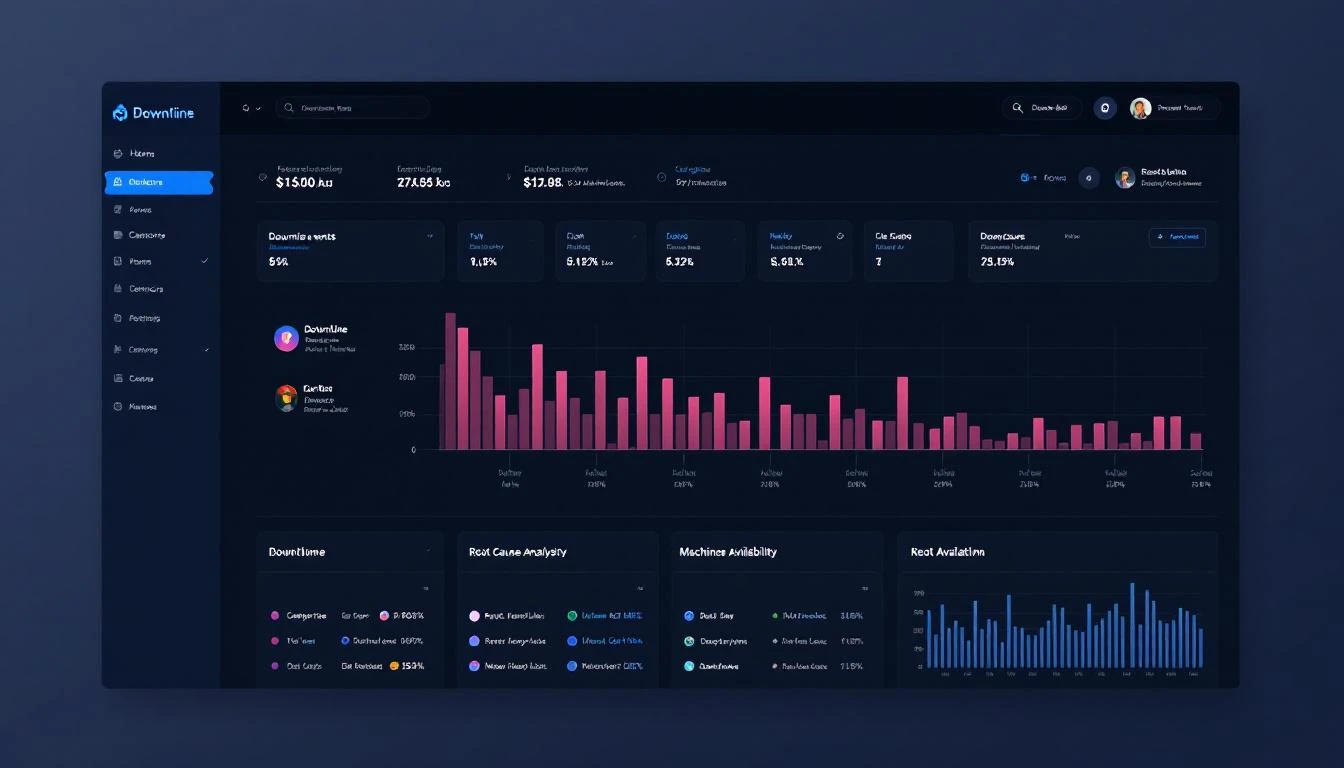
Best Downtime Tracking Software for Manufacturing in 2026
1. MachineCDN — Best for Automatic, AI-Powered Downtime Tracking
Why it stands out: MachineCDN doesn't just track downtime — it predicts it. By reading PLC data directly through Ethernet/IP and Modbus protocols, the platform captures every machine state change automatically. No operator input needed for detection. AI-powered analytics identify patterns that human analysis misses.
Key downtime features:
- Automatic detection from real-time PLC data — running, idle, alarm, changeover states captured to the second
- Downtime reason categorization with configurable taxonomies per machine type
- Downtime plans for tracking planned vs. unplanned events
- Root cause analysis with drill-down from line to machine to component
- Threshold alerting — catch approaching problems before they cause stops
- Predictive maintenance — AI analyzes sensor trends to predict failures days in advance
- Integrated spare parts and PM scheduling in the same platform
What makes it different: The 3-minute setup with cellular connectivity means you can have automatic downtime tracking running on a machine today — not after a 6-month IT project. No network infrastructure, no SCADA integration, no system integrator. Plug in the gateway, and it reads your PLC data immediately.
Best for: Plants that want accurate, automatic downtime tracking without manual operator logging. Any equipment with a PLC (which is virtually everything made after 1990).
2. MachineMetrics — Best for CNC-Specific Downtime
MachineMetrics captures CNC machine downtime through their edge device connected to CNC controllers. Strong in CNC shops but limited to that equipment type. See our MachineMetrics analysis and pricing breakdown.
Downtime features:
- Automatic cycle and downtime detection for CNC machines
- Operator-input reason codes via tablet interface
- OEE with downtime breakdown
- Job-level downtime attribution
Limitations: CNC-only, requires network infrastructure, no predictive maintenance for non-CNC equipment.
3. Limble CMMS — Best for Maintenance-Centric Downtime Tracking
Limble is a CMMS (Computerized Maintenance Management System) that includes downtime tracking as part of its work order workflow. It's strong on the maintenance side but relies on manual input for downtime events. Read our CMMS vs Predictive Maintenance comparison.
Downtime features:
- Manual downtime logging with customizable reason codes
- Integration with work orders
- Downtime cost calculation
- Basic Pareto reporting
Limitations: Manual entry (no automatic detection), no real-time machine connectivity, limited to what operators report.
4. Fiix (Rockwell) — Best for Rockwell Automation Shops
Fiix, acquired by Rockwell Automation, combines CMMS with Rockwell's OT ecosystem. For plants already running FactoryTalk, Fiix can pull some downtime data from the existing infrastructure. See our MachineCDN vs Fiix comparison.
Downtime features:
- Work order-linked downtime tracking
- Integration with FactoryTalk (Rockwell shops)
- Asset criticality scoring
- Failure code analysis
Limitations: Best in Rockwell-heavy environments, CMMS-first (not real-time monitoring), limited predictive capabilities.
5. Samsara — Best for Environmental and Fleet Downtime
Samsara tracks operational downtime for environmental systems, cold chain equipment, and fleet vehicles. Not built for manufacturing machine downtime specifically. For a detailed comparison, see our Samsara alternatives guide and pricing analysis.
Limitations: No PLC connectivity, no OEE calculation, no machine state detection.
6. UpKeep — Best for Mobile-First Maintenance Teams
UpKeep is a mobile-first CMMS with downtime tracking integrated into the work order flow. Strong UX for technicians working from phones and tablets. See our MachineCDN vs UpKeep comparison.
Downtime features:
- Mobile downtime logging
- QR code-based asset identification
- Downtime cost tracking
- Basic analytics and reporting
Limitations: Manual-entry dependent, no automatic machine detection, limited root cause analysis depth.
7. Sight Machine — Best for Enterprise Downtime Analytics
For Fortune 500 manufacturers with data science teams, Sight Machine provides deep analytics on downtime patterns across plants. Expensive and complex, but powerful at scale. See our Sight Machine comparison.
8. Ignition (Inductive Automation) — Best for Custom SCADA-Based Tracking
Ignition's MES module can be configured for downtime tracking within a broader SCADA environment. Flexible but requires system integrator development. See our MachineCDN vs Ignition comparison.
How to Calculate the ROI of Downtime Tracking Software
Use this framework to justify the investment:
Step 1: Quantify Current Downtime
- Current tracking method: Manual? SCADA? None?
- Reported annual downtime hours: (Multiply by 1.3–1.5 for the actual number, given underreporting)
- Average cost per hour of downtime: Revenue loss + labor + materials + penalties
- Total annual downtime cost: Hours × cost/hour
Step 2: Estimate Improvement
Industry benchmarks from McKinsey show that automated downtime tracking and predictive maintenance deliver:
- 10–20% reduction in unplanned downtime in Year 1 (just from visibility and categorization)
- 25–40% reduction by Year 2 (as predictive models mature and maintenance processes improve)
- Additional 5–10% OEE improvement from addressing micro-stops that were previously invisible
Step 3: Calculate Payback
For a plant with $2M in annual downtime costs:
- Year 1 improvement (15%): $300,000 saved
- Year 2 improvement (30%): $600,000 saved
- Software + deployment cost: $50,000–$150,000/year (platform dependent)
- Payback period: 2–6 months
This is why MachineCDN's 5-week ROI claim resonates — the math works because downtime is so expensive.
Implementation: Getting Started with Downtime Tracking
Phase 1: Visibility (Weeks 1-4)
- Connect machines to your chosen platform (if automatic detection is available)
- Establish baseline downtime metrics per machine
- Configure downtime reason categories relevant to your operation
- Train operators on any manual input required
- Run for 2-4 weeks to collect baseline data
Phase 2: Analysis (Weeks 5-8)
- Generate Pareto charts — identify top 5 downtime contributors
- Analyze patterns: time of day, shift, product, temperature correlation
- Quantify cost impact per failure mode
- Identify quick wins (80/20 rule applies aggressively here)
Phase 3: Action (Weeks 9-12)
- Address top failure modes with targeted maintenance or process changes
- Implement threshold alerts for leading indicators
- Set up predictive maintenance schedules based on data
- Track improvement against baseline
Phase 4: Optimization (Ongoing)
- Expand to additional machines and lines
- Refine predictive models as more data accumulates
- Benchmark across shifts, lines, and plants
- Connect downtime data to financial systems for real cost tracking
The Bottom Line
Every hour of unplanned downtime costs your plant money that's gone forever. The question isn't whether to invest in downtime tracking software — it's how much longer you can afford not to.
The best platforms in 2026 go beyond logging — they detect downtime automatically, categorize root causes, predict failures before they happen, and close the loop with integrated maintenance workflows. The days of clipboards and spreadsheets should be over.
Ready to stop guessing and start measuring? Book a demo with MachineCDN and see automatic downtime tracking from your first machine in 3 minutes.