How to Implement Multi-Zone Machine Monitoring: Organizing Your Factory Floor for Maximum Visibility

Most factory floors are not organized the way IIoT platforms expect them to be. Machines are clustered by process, scattered across buildings, or arranged by historical accident — the CNC mill is next to the paint booth because that is where the power drop was when the building was renovated in 2003. When you deploy an IIoT monitoring platform, the way you organize machines into zones and locations determines whether your dashboards show actionable insight or meaningless noise.
Multi-zone machine monitoring is the practice of organizing your monitored equipment into logical groupings — by location, process area, product line, or function — so that your monitoring data tells a story your team can act on. This guide walks through how to plan, implement, and optimize a zone-based monitoring structure for manufacturing plants of any size.
Why Zone Organization Matters
Consider a plant with 80 machines spread across two buildings. Without zone organization, your dashboard shows 80 machines in a flat list. Sorting by name, scrolling through pages, filtering manually — it works, but it is slow and cognitively expensive. When an alarm fires at 2 AM, the night shift operator should not have to hunt through 80 machines to find the one that needs attention.
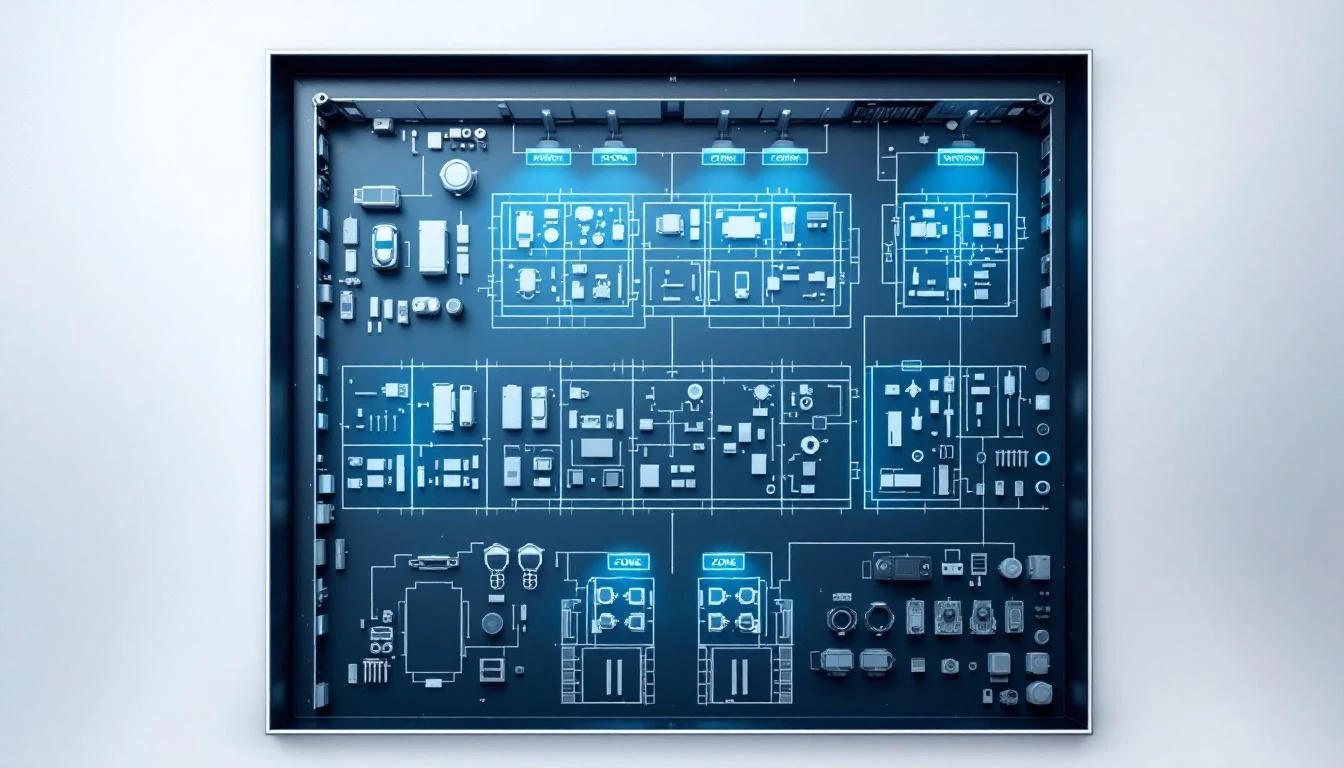
With proper zone organization, those 80 machines might be organized as:
- Building A — Machining Zone (12 CNC mills, 8 lathes)
- Building A — Assembly Zone (6 press machines, 4 welders)
- Building A — Quality Zone (3 CMMs, 2 testing stations)
- Building B — Molding Zone (10 injection molding machines)
- Building B — Finishing Zone (5 paint systems, 3 coating lines)
- Building B — Packaging Zone (8 packaging machines)
Now your dashboard shows zones, not machines. You see at a glance that the Molding Zone has two alarms, the Machining Zone has one approaching threshold, and everything else is running normally. The night shift operator can drill into the Molding Zone, see which two machines are alarming, and take action — all within seconds.
This is not just about convenience. Zone-based organization fundamentally changes how teams interact with IIoT data and drives better decision-making across operations, maintenance, and management.
Planning Your Zone Structure
Before configuring anything in your IIoT platform, spend time planning your zone hierarchy. This planning step is worth days of future productivity. A poorly organized zone structure creates confusion; a well-organized one becomes the backbone of your operational visibility.
Step 1: Define Your Locations
Locations represent physical sites — separate buildings, plants, or facilities. For a single-site manufacturer, you might have one location. For a multi-plant operation, each facility is a separate location.
Guidelines for locations:
- One location per physical address or building complex
- Each location should have its own set of zones
- Location names should be immediately recognizable ("Frisco Plant" not "Location 1")
Step 2: Define Your Zones Within Each Location
Zones are logical groupings within a location. There are several valid approaches to zoning, and the right one depends on your operation:
Zone by process type:
- Machining Zone, Welding Zone, Assembly Zone, Finishing Zone
- Best for: Job shops and plants organized by process capability
Zone by product line:
- Product A Line, Product B Line, Custom Orders Area
- Best for: Dedicated production lines where each line produces a specific product
Zone by cost center:
- Department 100 (Fabrication), Department 200 (Assembly), Department 300 (Testing)
- Best for: Plants where cost allocation by department is a priority
Zone by maintenance responsibility:
- Mechanical Team Zone, Electrical Team Zone, Facilities Zone
- Best for: Large plants where maintenance teams are specialized by area
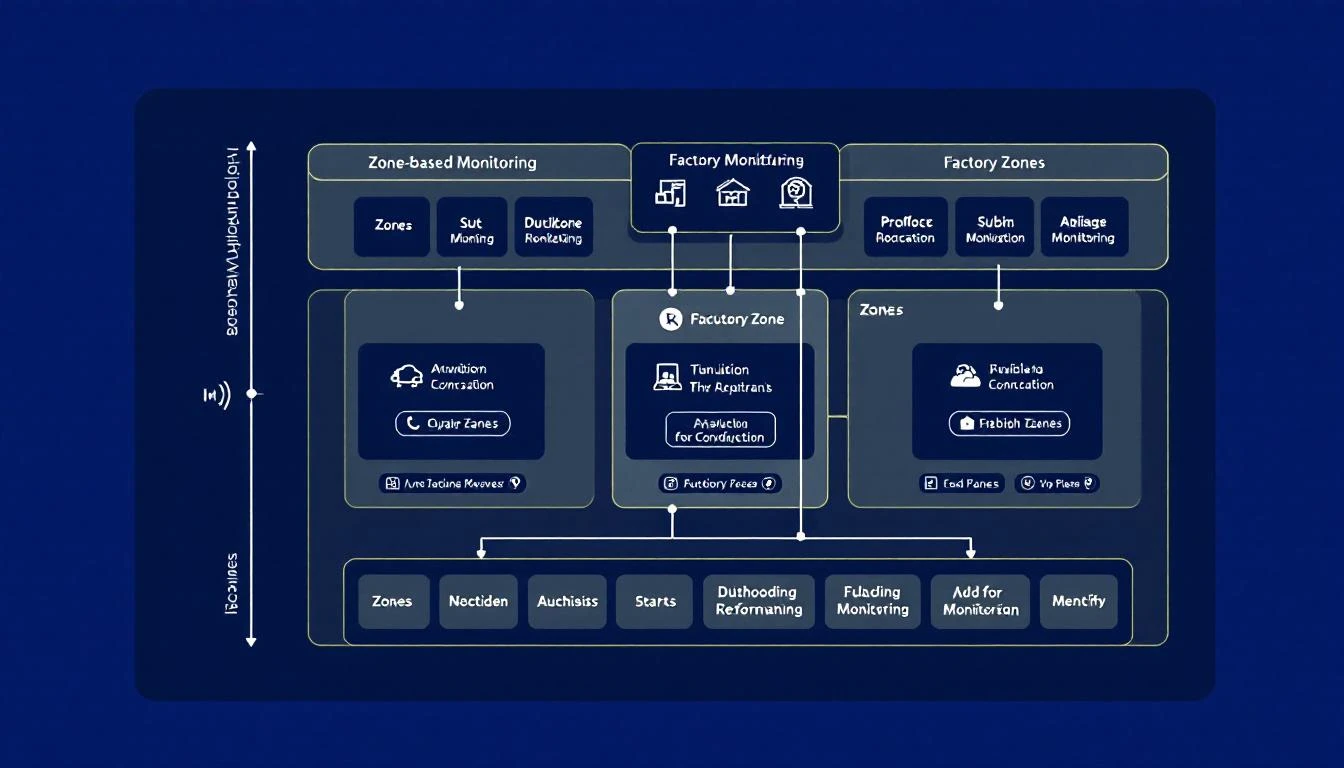
Hybrid approach (most common): Most plants use a hybrid. The primary organization is by physical area (which maps naturally to how people navigate the plant), with sub-groupings by process type when a physical area contains multiple process types.
Step 3: Map Machines to Zones
Every machine gets assigned to exactly one zone. This seems obvious, but edge cases arise:
- Shared equipment (air compressors, chillers, material handling) — assign to the zone they primarily serve, or create a "Utilities" zone
- Mobile equipment (forklifts, AGVs) — assign to their home zone or create a "Fleet" zone
- Support equipment (conveyors between zones) — assign to the zone where the conveyor originates or create a "Material Handling" zone
The goal is zero machines unassigned to zones. If a machine is not in a zone, it is effectively invisible to zone-based views and reports.
Implementing Zones in Your IIoT Platform
Once your plan is complete, implementation is straightforward in most modern IIoT platforms. Using MachineCDN as an example, the process involves:
1. Create Locations: Set up each physical site in the platform. Include the physical address and a recognizable name.
2. Create Zones within Locations: For each location, create the zones you defined in your plan. Zone names should be concise but descriptive — "CNC Machining" is better than "Zone A" and more concise than "Computer Numerical Control Machining Area Building 2."
3. Assign Machines to Zones: As you connect each machine to the platform, assign it to the appropriate zone. In MachineCDN, this is a dropdown selection during device setup — the same 3-minute process that connects the machine to the platform.
4. Assign Users to Zones: Not every user needs to see every zone. Your machining supervisor cares about the machining zone. Your molding team leader cares about the molding zone. Zone-based user assignment reduces information overload and helps each team focus on their area of responsibility.
5. Configure Zone-Level Thresholds: Some thresholds make sense at the zone level rather than per-machine. For example, if every machine in your molding zone should maintain oil temperature between 120°F and 180°F, set that threshold once at the zone level rather than configuring it individually on each machine.
Zone-Based Monitoring in Daily Operations
Once zones are configured, they change how your team interacts with the IIoT platform on a daily basis:
Morning Shift Handover
Instead of reviewing 80 individual machine statuses, the shift supervisor glances at the zone overview:
- Machining Zone: 18/20 running, 1 idle, 1 alarm (bearing temp on Mill 7)
- Assembly Zone: 10/10 running, no alarms
- Molding Zone: 8/10 running, 2 in PM (scheduled)
In 10 seconds, they know the state of the entire plant. They can drill into the Machining Zone alarm for details and brief the incoming shift on the Mill 7 situation.
Maintenance Prioritization
When multiple alarms fire simultaneously, zone context helps prioritize. An alarm in the bottleneck zone (the zone that constrains overall plant throughput) gets attention before an alarm in a zone with spare capacity. Without zone organization, all alarms look equally urgent.
Capacity Planning
Zone-level utilization data — what percentage of available machine hours each zone is actually running — reveals where capacity is tight and where it is loose. This is invaluable for production scheduling:
- Machining Zone at 92% utilization → bottleneck, schedule carefully
- Assembly Zone at 65% utilization → spare capacity, room to absorb overflow
- Molding Zone at 78% utilization → healthy but watch for increases
Energy Management
Zone-level energy consumption comparison reveals which areas of your plant are the biggest power consumers. If your molding zone consumes 3x the energy of your machining zone but produces half the revenue, that is a strategic insight that drives investment decisions.
Multi-Plant Zone Strategies
For manufacturers with multiple facilities, zone organization becomes even more critical. The hierarchical structure — Company > Location > Zone > Machine — enables several powerful multi-plant monitoring patterns:
Cross-Plant Zone Comparison: If your Michigan plant and your Ohio plant both have CNC machining zones, you can compare their OEE, utilization, and alarm rates side by side. Differences often reveal best practices at one plant that should be replicated at the other.
Centralized Alarm Monitoring: A corporate maintenance manager can monitor alarms across all plants from a single dashboard, filtered by zone type. They do not need to see every machine — they need to see which zones at which plants are experiencing problems.
Fleet-Wide Spare Parts Visibility: When zones are consistent across plants, spare parts tracking becomes fleet-wide. If your Michigan plant is out of a specific motor bearing, the platform can show that your Ohio plant has three in stock — because both plants use the same zone structure and parts catalog.
Standardized Reporting: Consistent zone naming across plants enables apples-to-apples comparison in reports. Monthly reports can show OEE by zone type across all facilities, revealing which plants are leading and which are lagging.
Common Mistakes to Avoid
Mistake 1: Too Many Zones Creating 30 zones for 50 machines defeats the purpose. Each zone should contain at least 3-5 machines to provide meaningful aggregation. If a "zone" has one machine in it, it is not a zone — it is just a machine with an extra label.
Mistake 2: Inconsistent Naming Across Plants If your Detroit plant calls it "CNC Area" and your Dallas plant calls it "Machining Zone," cross-plant comparison breaks. Establish naming conventions before any plant sets up its zones.
Mistake 3: Zones Based on Org Charts Instead of Physical Layout Zones should map to physical areas of the plant, not reporting relationships. If the plant manager wants department-level views, most platforms support filtering and reporting by custom attributes — use those for organizational views and keep zones physical.
Mistake 4: Never Updating Zones Plants change. Machines move. New equipment arrives. Lines get reconfigured. Review your zone structure quarterly and update it when the physical reality changes. Stale zones are worse than no zones because they create false confidence in inaccurate data.
Mistake 5: Ignoring User-Zone Assignments If every user sees every zone, information overload negates the benefit of zoning. Assign users to the zones they are responsible for. Supervisors and managers can see all zones; operators and technicians should see their areas.
Measuring Zone-Monitoring Effectiveness
How do you know if your zone structure is working? Track these metrics:
- Time to alarm acknowledgment: Should decrease after zone implementation because operators find alarms faster.
- Mean time to repair (MTTR): Should decrease because zone context helps technicians prioritize and prepare.
- Dashboard engagement: If your team is actually using the zone-based dashboards daily, the structure is working. If they revert to flat machine lists, the zone structure needs refinement.
- Cross-zone comparisons in management reviews: If monthly reviews reference zone-level performance, the structure is delivering strategic value.
Bottom Line
Multi-zone machine monitoring transforms IIoT data from a firehose of individual machine readings into an organized operational picture that your team can act on. The investment in planning your zone structure pays dividends every day — faster alarm response, better maintenance prioritization, clearer capacity planning, and actionable cross-plant comparisons.
The key is to start with a clear plan, keep zones aligned with physical reality, and review the structure regularly as your plant evolves.
Book a demo to see how MachineCDN organizes machine monitoring by location, zone, and machine — giving your team instant operational visibility from day one.