How to Set Up Industrial Threshold Alerts: A Step-by-Step Guide to Catching Equipment Problems Early

Every manufacturing engineer has experienced the 2 AM phone call. A critical machine tripped an alarm, the night shift operator wasn't sure what to do, production stopped, and now you're driving to the plant in your pajamas to diagnose a bearing that's been deteriorating for three weeks. The data was there — temperature trending up, vibration signatures changing — but nobody configured alerts to catch it early enough to matter.
Threshold alerting is the bridge between "we're collecting data" and "we're actually preventing problems." It's also where most IIoT implementations fail to deliver value. Not because the technology doesn't work — but because alerts are configured poorly. Too many alerts create alarm fatigue. Too few alerts miss critical events. Poorly defined thresholds generate false positives that train operators to ignore everything.
According to the ISA-18.2 alarm management standard, a well-configured alarm system should generate no more than 6-12 alarms per hour during normal operation. Most industrial operations exceed this by 5-10x, which means operators are ignoring the vast majority of alerts. An alert that gets ignored is worse than no alert at all — it creates a false sense of security.
This guide covers how to set up industrial threshold alerts that actually work — alerts that your team trusts, acts on, and uses to prevent failures rather than document them after the fact.
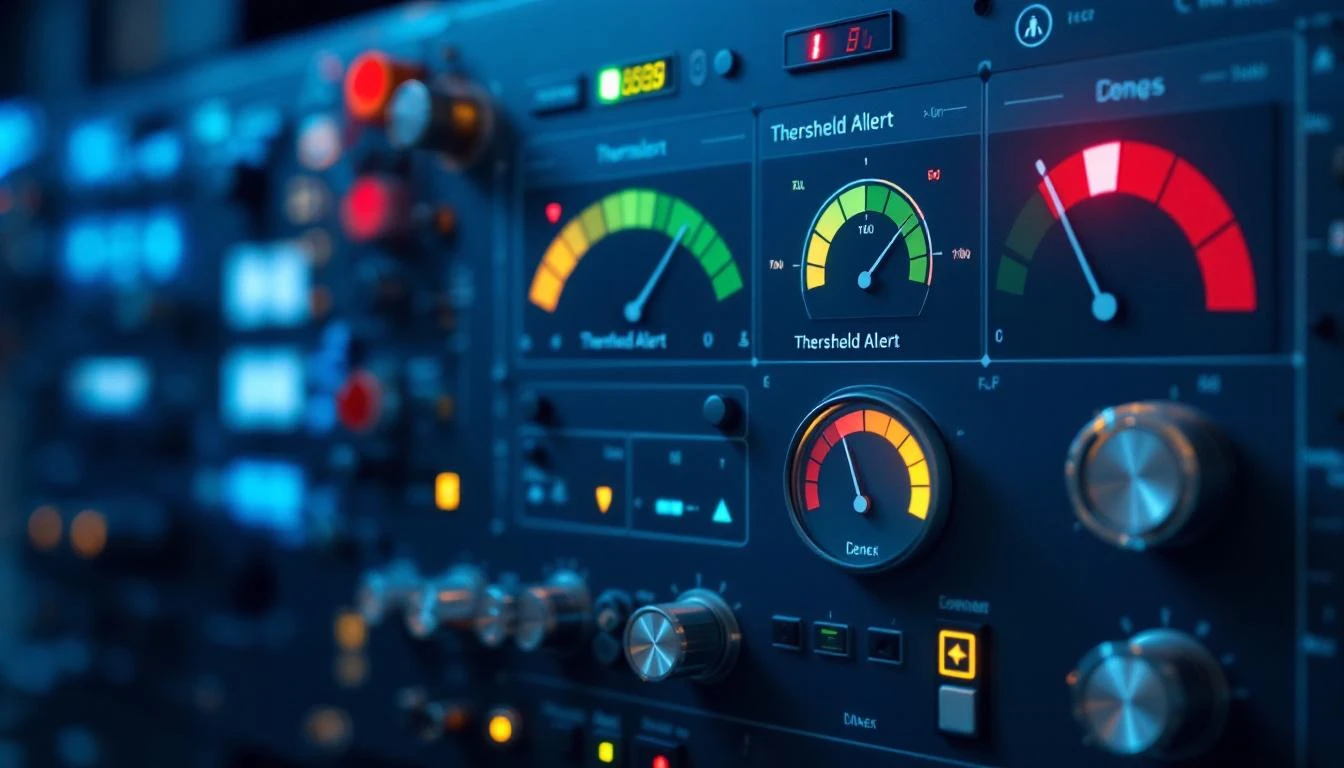
Understanding the Three Alert Levels
Effective threshold alerting isn't binary (OK/ALARM). It's a graduated system that gives your team progressively urgent signals as conditions deteriorate. Think of it like a traffic light: green means everything is normal, yellow means pay attention, red means act now.
Level 1: Information (Approaching Threshold)
Purpose: Early awareness. Something is trending in a direction that could become a problem. No immediate action required, but the maintenance team should be aware and may want to investigate during routine rounds.
Example: Motor bearing temperature has increased from its normal 140°F baseline to 155°F. The alarm threshold is 180°F. You're not in danger zone yet, but the 15°F increase from baseline is worth noting.
Who receives it: Maintenance planner (email digest or dashboard notification, not SMS). This information goes into the planning queue, not the emergency response queue.
Response time: Days. This is an "investigate when convenient" alert.
Level 2: Warning (Threshold Exceeded)
Purpose: A process parameter has exceeded its normal operating window. Equipment is still running, but the condition warrants investigation and should be addressed before it escalates to a critical alarm.
Example: Motor bearing temperature has reached 175°F — above the warning threshold of 170°F but below the critical threshold of 190°F. The bearing is running hot, and the trend suggests it will continue to deteriorate.
Who receives it: Maintenance supervisor and assigned technician (push notification or SMS). This needs to be on someone's work list within the current shift.
Response time: Hours. Investigate during the current shift. If the trend is accelerating, escalate to Level 3.
Level 3: Critical (Immediate Action Required)
Purpose: Equipment is operating in a danger zone. Continued operation risks equipment damage, safety hazards, or catastrophic failure. Immediate action required — either corrective maintenance or controlled shutdown.
Example: Motor bearing temperature has reached 195°F, exceeding the critical threshold of 190°F. At this temperature, lubricant is degrading rapidly and bearing failure is imminent.
Who receives it: Maintenance supervisor, plant manager, and operator (SMS, phone call, and dashboard alert). All hands on deck.
Response time: Minutes. Stop the machine or initiate corrective action immediately.
How to Determine the Right Threshold Values
Setting threshold values is where most teams struggle. Set them too low and you get constant false alarms. Set them too high and you miss problems until it's too late. Here's a systematic approach:
Method 1: OEM Specifications (Starting Point)
Every equipment manufacturer provides operating specifications that include maximum and minimum values for critical parameters. These specifications are your starting point — not your final answer.
Why OEM specs are just a starting point: OEM specifications are based on laboratory conditions and cover the full rated range of the equipment. Your specific operating conditions — ambient temperature, load profile, duty cycle, altitude, material being processed — mean your actual operating window is a subset of the OEM range.
A motor rated for 200°F bearing temperature by the OEM may normally run at 130°F in your application. Setting your critical alarm at 200°F means the bearing has to get 70°F above normal before you're alerted — at which point the failure is probably hours away, not days.
Method 2: Baseline + Statistical (Recommended)
The most effective approach is to establish your operating baseline first, then set thresholds based on statistical deviation from that baseline.
Step 1: Collect 2-4 weeks of data under normal operating conditions. This establishes your baseline for each parameter on each machine.
Step 2: Calculate the mean and standard deviation for each parameter.
Step 3: Set thresholds based on deviation:
- Information alert: Mean + 2 standard deviations (roughly 2.5% of normal readings will exceed this — it catches genuine trends without excessive false positives)
- Warning alert: Mean + 3 standard deviations (0.15% of normal readings — almost certainly a real change in equipment condition)
- Critical alert: OEM maximum operating specification, or mean + 4 standard deviations, whichever is lower
Example: Motor bearing temperature baseline: mean = 142°F, standard deviation = 4°F
- Information: 142 + (2 × 4) = 150°F
- Warning: 142 + (3 × 4) = 154°F
- Critical: 142 + (4 × 4) = 158°F, or OEM max of 180°F → use 158°F (more conservative)
This approach adapts to each machine's actual operating characteristics. Two identical machines in different locations may have very different baselines due to ambient conditions, loading, and maintenance history.
Method 3: Rate of Change (Advanced)
Sometimes the absolute value matters less than how fast it's changing. A bearing temperature at 155°F might be fine if it's been there for six months. A bearing temperature at 155°F that was at 140°F yesterday is a red alert.
Rate-of-change alerts trigger when a parameter changes faster than expected, regardless of whether it's exceeded a static threshold. This catches rapid degradation events that static thresholds would miss until it's too late.
Example configuration: Alert when bearing temperature increases by more than 5°F/hour during steady-state operation (not during startup).
MachineCDN supports all three threshold methods — static thresholds with approaching/active views, baseline deviation, and AI-powered anomaly detection that learns each machine's normal patterns and alerts on deviations. See our threshold alerting guide for platform-specific configuration.
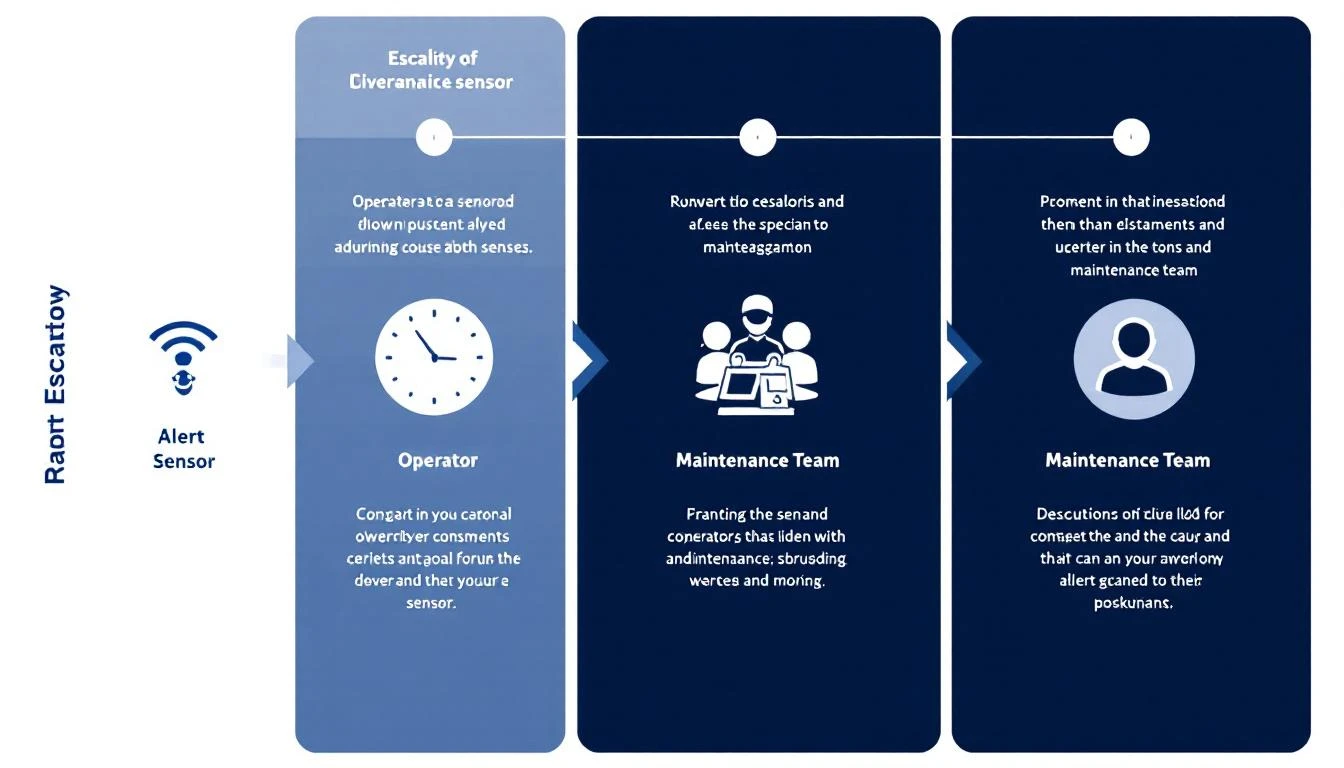
Configuring Alert Routing and Escalation
Getting the threshold values right is half the battle. The other half is making sure alerts reach the right people through the right channels at the right time.
Alert Routing Matrix
Build a routing matrix that maps each alert type to specific recipients and channels:
| Alert Level | Recipients | Channel | Response Expected |
|---|---|---|---|
| Information | Maintenance planner | Dashboard + daily email digest | Review in planning meeting |
| Warning | Maintenance supervisor + assigned tech | Push notification + SMS | Investigate within current shift |
| Critical | Supervisor + plant manager + operator | SMS + phone call + dashboard | Immediate response (under 15 min) |
Escalation Rules
Define what happens when an alert isn't acknowledged within the expected response time:
- Warning not acknowledged in 2 hours: Escalate to plant manager via SMS
- Critical not acknowledged in 15 minutes: Escalate to plant manager + regional maintenance director
- Critical not acknowledged in 30 minutes: Trigger automatic machine slowdown or shutdown (if safety system integration is available)
Shift-Aware Routing
Your routing should know who's on shift. A 2 AM critical alert should go to the night shift supervisor, not the day shift manager who's sleeping. When shifts change, alert routing should change with it.
Common mistake: Routing all alerts to the maintenance manager's personal phone. This creates a single point of failure and guarantees burnout. Distribute alerts based on equipment assignment and shift schedule.
Avoiding Alarm Fatigue: The Silent Killer of IIoT Value
Alarm fatigue occurs when operators receive so many alerts that they stop responding meaningfully to any of them. It's the number one reason IIoT monitoring fails to prevent equipment failures.
Signs of alarm fatigue:
- Operators acknowledge alerts without investigating
- "Nuisance alarms" are a regular topic of conversation
- Critical alerts are missed because they're buried in information alerts
- Operators have disabled alert notifications on their phones
- Response time to genuine critical alarms has increased over time
Six Practices to Prevent Alarm Fatigue
1. Implement alert deadbanding. Once an alert fires, it shouldn't re-fire until the parameter drops below the threshold by a meaningful margin (the deadband). Without deadbanding, a parameter oscillating around a threshold generates an alert every few seconds.
2. Suppress startup and shutdown alerts. Parameters behave differently during startup, shutdown, and product changeover. A temperature that's alarming during steady-state operation is normal during warmup. Configure your IIoT platform to suppress non-critical alerts during defined operating mode transitions.
3. Prioritize ruthlessly. Not every parameter deserves alerts at all three levels. Reserve three-level alerting for parameters that can cause safety hazards, catastrophic equipment damage, or major production loss. Less critical parameters might only need information-level alerts.
4. Review alert performance monthly. Track the ratio of actionable alerts to total alerts. ISA-18.2 recommends that 80%+ of alerts should result in operator action. If less than 50% of alerts result in action, your thresholds are too aggressive.
5. Consolidate related alerts. If a motor bearing temperature, vibration, and current all alarm simultaneously, that should generate one "motor health critical" alert — not three separate alerts.
6. Use time-delay filtering. Require a parameter to exceed the threshold for a defined duration before alerting. A 1-second vibration spike is probably a passing truck. A 30-second sustained vibration increase is a real problem. Typical delay times: 15-60 seconds for vibration, 2-5 minutes for temperature, 5-10 seconds for pressure.
Step-by-Step: Setting Up Your First Threshold Alerts
Here's the practical process for getting from "no alerts" to "useful alerts" in the shortest time:
Day 1-2: Identify your top 10 failure modes. Review the last 12 months of maintenance work orders. What broke? What caused the most downtime? What was the most expensive repair? These are your priority monitoring targets.
Day 3-5: Map failure modes to parameters. For each failure mode, identify which measurable parameter would have given early warning. Bearing failure → temperature + vibration. Pump cavitation → discharge pressure + vibration. Motor insulation breakdown → current draw + temperature.
Day 6-10: Collect baseline data. If you're deploying IIoT monitoring for the first time, let the system collect 1-2 weeks of baseline data before configuring alerts. You need to know what "normal" looks like before you can define "abnormal."
Day 11-14: Configure initial thresholds. Use the baseline + statistical method. Start conservative (wide thresholds) — you can always tighten them. It's much harder to rebuild trust after alarm fatigue than to gradually increase alert sensitivity.
Week 3-4: Fine-tune based on initial results. Review every alert that fired. Was it actionable? Did it lead to a useful investigation? If not, adjust the threshold or routing. Were there equipment issues that should have triggered an alert but didn't? Tighten those thresholds.
Ongoing: Monthly alert review. Dedicate 30 minutes per month to reviewing alert performance metrics. Adjust thresholds seasonally (ambient temperature changes affect baselines).
Platform Capabilities That Matter for Alerting
When evaluating an IIoT platform's alerting capabilities, these features separate useful systems from noisy ones:
- Approaching threshold views: See which parameters are trending toward alert thresholds before they trigger. This is where preventive action happens. MachineCDN's approaching threshold view shows you equipment that's heading toward trouble.
- Historical alert analysis: Can you see alert frequency over time? This tells you whether your alert configuration is improving or degrading.
- Alert-to-work-order integration: Does the platform create maintenance tasks from alerts, or does someone need to manually transfer information? Automation here prevents alerts from falling through the cracks.
- Multi-parameter correlation: Can the platform correlate alerts across related parameters? A temperature alert on its own is useful. A temperature + vibration + current alert on the same drive is a diagnosis.
- Machine learning baselines: Does the platform automatically learn normal operating patterns and adjust thresholds, or are all thresholds manually configured and static? AI-powered baselines adapt to seasonal changes, product mix changes, and gradual equipment aging.
MachineCDN provides all of these capabilities, with AI-powered anomaly detection that complements your manually configured thresholds. The AI catches the patterns that humans can't define in advance — the subtle multi-parameter shifts that precede failures you've never experienced before.
Start Protecting Your Equipment Today
Threshold alerts are the first line of defense against unplanned downtime. Done right, they give your maintenance team hours or days of advance warning — enough time to plan repairs, order parts, and schedule downtime on your terms rather than the machine's terms.
MachineCDN makes threshold alerting straightforward. Connect your equipment, let the platform establish baselines, configure your alert levels and routing, and start catching problems before they become emergencies. Book a demo and we'll show you how threshold alerting works with your specific equipment — including the approaching threshold view that shows you what's heading toward trouble, not just what's already there.
Because the best time to fix a machine is before it breaks.