Preventive Maintenance Scheduling Software for Manufacturing: Automate PM Tasks and Maximize Uptime

Preventive maintenance is the most effective maintenance strategy that most manufacturers still execute poorly. Not because they don't understand PM — every maintenance manager knows that regularly scheduled maintenance prevents breakdowns. They execute it poorly because their PM scheduling tools are disconnected from reality.
The typical PM program lives in a spreadsheet, a standalone CMMS, or even a whiteboard in the maintenance office. Tasks are scheduled based on calendar intervals or runtime hours that someone estimated years ago. Technicians get a printed work order with instructions written for a generic machine, not the specific unit they're about to work on. Spare parts availability is checked by walking to the parts crib. Completion is documented on paper and entered into the CMMS days later — if at all.
Modern IIoT platforms are changing this by connecting PM scheduling directly to real-time machine data — so maintenance tasks are triggered by actual equipment condition, spare parts are tracked in the same system, and technicians have the information they need before they pick up a wrench.
Why Calendar-Based PM Scheduling Wastes Money
Most PM programs are calendar-based: change the oil every 90 days, replace filters every 6 months, inspect bearings quarterly. The problem is that calendar-based intervals have no connection to actual machine usage or condition.
Consider two identical CNC machines in the same plant:
- Machine A runs 18 hours/day in a high-volume, high-speed cell
- Machine B runs 8 hours/day doing low-volume prototype work
Both are on the same 90-day PM schedule. Machine A, running over twice the hours, is probably under-maintained — the calendar interval doesn't account for its heavier usage. Machine B is probably over-maintained — you're replacing oil and filters that still have plenty of life, wasting parts, labor, and production time for unnecessary maintenance windows.
According to research from Plant Engineering magazine, over-maintenance accounts for 30% of maintenance budgets in plants using purely calendar-based PM programs. That's not money spent preventing failures — it's money spent doing maintenance that didn't need to happen yet.
The solution is usage-based or condition-based PM scheduling — triggering maintenance tasks based on actual runtime hours, cycle counts, or parameter trends rather than arbitrary calendar dates. This requires your PM scheduling system to have access to real-time machine data.
What PM Scheduling Software Should Actually Do
An effective PM scheduling system for manufacturing needs seven core capabilities:
1. Task Definition and Templating
Every PM task needs clear documentation: what to inspect, what to measure, what to replace, what tools are needed, what safety precautions apply, and what the acceptance criteria are.
MachineCDN's PM task system lets you define detailed task templates that can be applied across machine types. Create a "Quarterly Hydraulic System PM" template with step-by-step instructions, then assign it to every hydraulic press in your fleet. When the template is updated — say you add a new inspection step based on a recent failure — every machine using that template gets the update.
2. Flexible Scheduling Triggers
PM tasks should be triggerable by multiple conditions:
- Calendar-based — Every 30, 60, 90, or 180 days (when you have no better option)
- Runtime-based — Every 500 operating hours (requires real-time hour meter data from the PLC)
- Cycle-based — Every 100,000 cycles (requires cycle count data from the PLC)
- Condition-based — When vibration exceeds threshold, when oil analysis returns high particle count, when motor current exceeds baseline by 15%
- Event-based — After every changeover, after every grade change, after every maintenance intervention
MachineCDN's PM scheduling system supports time-based scheduling with configurable intervals. Because the platform already monitors real-time PLC data, the system has access to the runtime and cycle count data needed for usage-based triggering — connecting your PM schedule to actual machine utilization rather than calendar assumptions.
3. Technician Assignment and Notification
When a PM task comes due, the right technician needs to know about it — immediately, not when they check the CMMS during their next break.
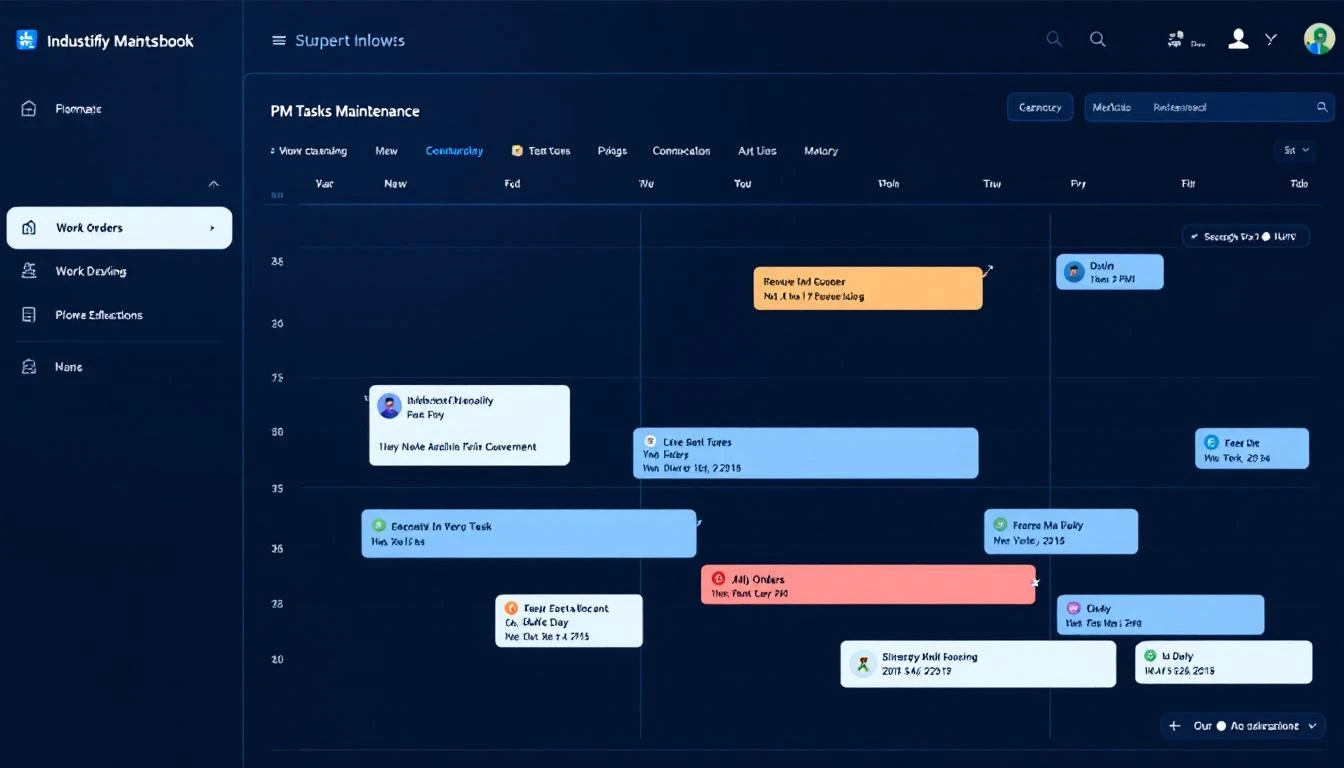
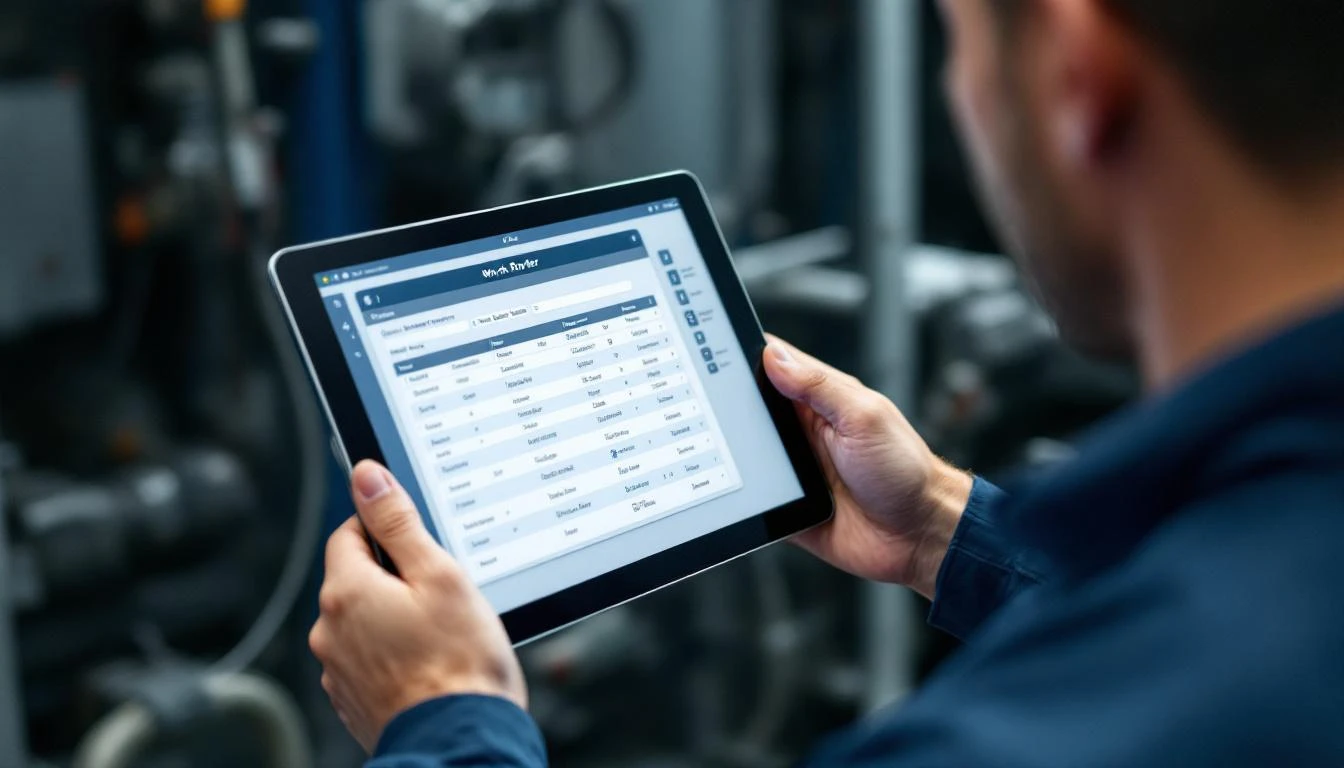
MachineCDN's PM system includes task assignment with notification capabilities. Tasks can be assigned to specific technicians or teams, and the platform sends alerts when tasks are due or overdue. The PM alerts view shows all approaching and overdue tasks, giving maintenance supervisors a clear picture of PM compliance.
4. Spare Parts Integration
This is where most standalone CMMS tools and most IIoT platforms fail: connecting the PM task to the parts it requires.
When a PM task calls for replacing two oil filters, a hydraulic seal kit, and four bolts, the system should immediately answer: "Do we have these parts in inventory?" If not, the task should be flagged as unready until parts are available — preventing the all-too-common scenario where a technician opens up a machine for PM, discovers the required part isn't in stock, and then has to close the machine back up and wait.
MachineCDN integrates spare parts directly into the PM system. Each PM task can specify required parts from the spare parts inventory. The machine parts availability view shows exactly what parts are available for each machine. When a PM task is created, the system can verify that required parts are in stock — eliminating the "open the machine, discover the part is missing, close the machine" cycle that wastes hours every week.
The platform also tracks spare parts consumption history at the machine level. Over time, this data reveals which machines consume the most spare parts, which parts are used most frequently, and whether you should adjust your stocking levels.
5. Task Documentation and Attachments
PM tasks need supporting documentation: procedures, diagrams, photos of correct assembly, torque specifications, and reference measurements. Technicians shouldn't need to find a binder or search a file server mid-task.
MachineCDN's PM task system supports attachments — attach procedures, photos, technical drawings, and reference documents directly to each task. When the technician opens the task on their device, everything they need is right there.
Task comments allow technicians to document observations during PM execution: "Found scoring on cylinder wall, recommend replacement at next overhaul." These comments stay with the task history, building institutional knowledge that helps future maintenance decisions.
6. PM Compliance Tracking
Scheduling PM tasks is easy. Getting them done on time is hard. PM compliance — the percentage of scheduled PM tasks completed on time — is one of the most important maintenance KPIs, yet many plants can't accurately calculate it because their PM tracking is fragmented.
MachineCDN's PM system tracks task completion status, overdue tasks, and completion timing. The task schedule view shows planned vs. actual completion, making PM compliance visible at a glance. Maintenance managers can quickly identify patterns: Is a specific technician always late? Is a specific machine's PM always deferred? Are weekday PMs done on time but weekend PMs skipped?
7. Connection to Real-Time Machine Data
Here's the game-changer: PM scheduling that's informed by actual machine condition.
A standalone CMMS tells you it's time for the quarterly bearing inspection. An IIoT-connected PM system tells you it's time for the quarterly bearing inspection — and shows you that the bearing temperature has been trending up 2°C over the past month, the motor current is 5% above baseline, and the machine threw three nuisance vibration alarms last week. Now the technician walks up to that bearing inspection with context. They know where to look. They know what to measure. They might elevate the inspection to a replacement.
MachineCDN provides this connection natively because PM scheduling lives in the same platform as real-time machine monitoring, alarm management, and threshold tracking. When a technician opens a PM task for Machine 7, they can see Machine 7's current operating parameters, recent alarm history, and threshold trends — all on the same screen, in the same platform. No toggling between systems.
PM Scheduling vs CMMS: Do You Need Both?
Many manufacturers already have a CMMS (Fiix, UpKeep, Limble, Maximo). The question is whether an IIoT platform's PM scheduling replaces the CMMS or complements it.
You can replace your CMMS with MachineCDN's PM system if:
- Your maintenance scope is primarily equipment-focused (not facilities/building maintenance)
- Your PM program centers on machine-specific tasks with spare parts requirements
- You want PM scheduling connected to real-time machine data in one platform
- Your maintenance team is small enough that simplified workflow is an advantage
You might keep both if:
- You have complex work order routing with approvals, cost tracking, and purchasing integration
- Your maintenance scope includes non-equipment assets (buildings, grounds, vehicles)
- Your organization requires formal work order costing for financial reporting
- You have regulatory requirements that specify CMMS documentation standards (FDA, OSHA PSM)
In either case, MachineCDN's PM system handles the machine-specific maintenance scheduling that most CMMS tools do poorly: usage-based triggers from real-time PLC data, spare parts verification against actual inventory, and task context from live machine condition data.
The Cost of Reactive Maintenance vs. Proper PM
The financial case for PM scheduling software is straightforward:
- Reactive maintenance costs 3-5x more than planned maintenance (labor premiums, emergency parts, production losses)
- Plants with 40%+ reactive maintenance spend 18% of replacement asset value (RAV) on maintenance
- Plants with 80%+ planned maintenance spend 8% of RAV on maintenance
- Every 10% shift from reactive to planned typically saves $50K-$150K per year per plant
For a manufacturer with $10M in equipment, moving from 50% planned maintenance to 80% planned maintenance could save $400K-$1M annually. The PM scheduling software pays for itself in the first quarter.
But the savings only materialize if PM tasks are actually completed on time, with the right parts, by qualified technicians. That requires a PM scheduling system that makes compliance easy — not a system that adds administrative burden.
The Bottom Line
Preventive maintenance scheduling isn't a technology problem — it's an execution problem. The technology exists to schedule, assign, track, and verify every PM task automatically. The question is whether your PM tool is connected to the data that makes it effective.
An IIoT platform with integrated PM scheduling — like MachineCDN — closes the loop between machine condition and maintenance action. Tasks are triggered by real data, informed by real-time machine status, verified against real spare parts inventory, and tracked to real completion.
That's the difference between a PM program that looks good on paper and one that actually prevents breakdowns.
Ready to connect your PM program to real machine data? Book a demo and we'll show you how integrated PM scheduling works.