MachineCDN vs Ignition (Inductive Automation): SCADA vs Cloud IIoT in 2026

Ignition by Inductive Automation has been a favorite among manufacturing engineers for over a decade — a powerful, developer-friendly SCADA platform with an unlimited licensing model. MachineCDN is a cloud-native IIoT platform that connects to PLCs in minutes. Both give you visibility into your machines, but they represent two different eras of industrial software. Here's what matters for your decision.
Two Philosophies of Industrial Monitoring
Ignition: The Engineer's SCADA Toolkit
Ignition is fundamentally a development platform for building industrial applications. It gives you the tools — SCADA, HMI, MES, reporting, alarming — but you build the solution. Think of it as a very powerful toolkit:
- Ignition Designer — A visual development environment for building SCADA screens, HMI panels, and dashboards
- OPC UA server — Unified data connectivity to PLCs, devices, and databases
- Tag system — Configurable tag hierarchy for organizing machine data
- Alarming — Comprehensive alarm management with notification pipelines
- Reporting — Customizable report designer
- Perspective Module — Web and mobile app development
- Unlimited licensing — No per-client, per-tag, or per-screen charges
Ignition's appeal is infinite flexibility. With enough engineering time, you can build virtually any industrial application.
MachineCDN: Pre-Built Manufacturing Intelligence
MachineCDN is a pre-built platform that delivers manufacturing intelligence out of the box. Instead of giving you tools to build a solution, MachineCDN IS the solution:
- Real-time machine monitoring — Live status dashboard from the moment you connect
- Predictive maintenance — AI-powered analysis with PM scheduling and spare parts management
- Fleet management — Multi-location, multi-zone fleet oversight with performance analytics
- Materials and inventory — Automated material tracking and consumption reporting
- Threshold alerting — Configurable alerts with approaching and active views
- Energy monitoring — Per-machine power consumption tracking
- Downtime analysis — Root cause tracking with downtime reasons and categorization
- OEE and utilization — Availability, performance, and quality metrics
No development required. Connect to your PLC, configure your machine tags, and the entire platform is available immediately.
The Build vs. Buy Decision
This comparison ultimately comes down to the classic engineering decision: build a custom solution, or buy a purpose-built one?
The Case for Building (Ignition)
Ignition is the right choice when:
- You have unique process requirements that no off-the-shelf product can address
- You have dedicated SCADA engineers who can develop and maintain custom applications
- Your monitoring needs are highly customized — specialized HMI screens for specific machine types
- You need HMI/operator interfaces at machine level, not just supervisory monitoring
- Integration complexity is extreme — custom protocols, legacy equipment, non-standard communication
Manufacturing plants with full-time SCADA engineers on staff who need highly customized operator interfaces for complex processes will find Ignition's flexibility invaluable.
The Case for Buying (MachineCDN)
MachineCDN is the right choice when:
- You need standard manufacturing intelligence — machine monitoring, maintenance, fleet management, materials
- You don't have SCADA engineers on staff (and don't want to hire them)
- Speed to value matters — 3-minute setup vs. months of SCADA development
- You want out-of-the-box analytics — OEE, utilization, downtime analysis, energy monitoring
- Multi-site management is a requirement — fleet-level visibility without custom development per site
- Maintenance integration matters — PM scheduling, spare parts tracking, alarm management in one platform
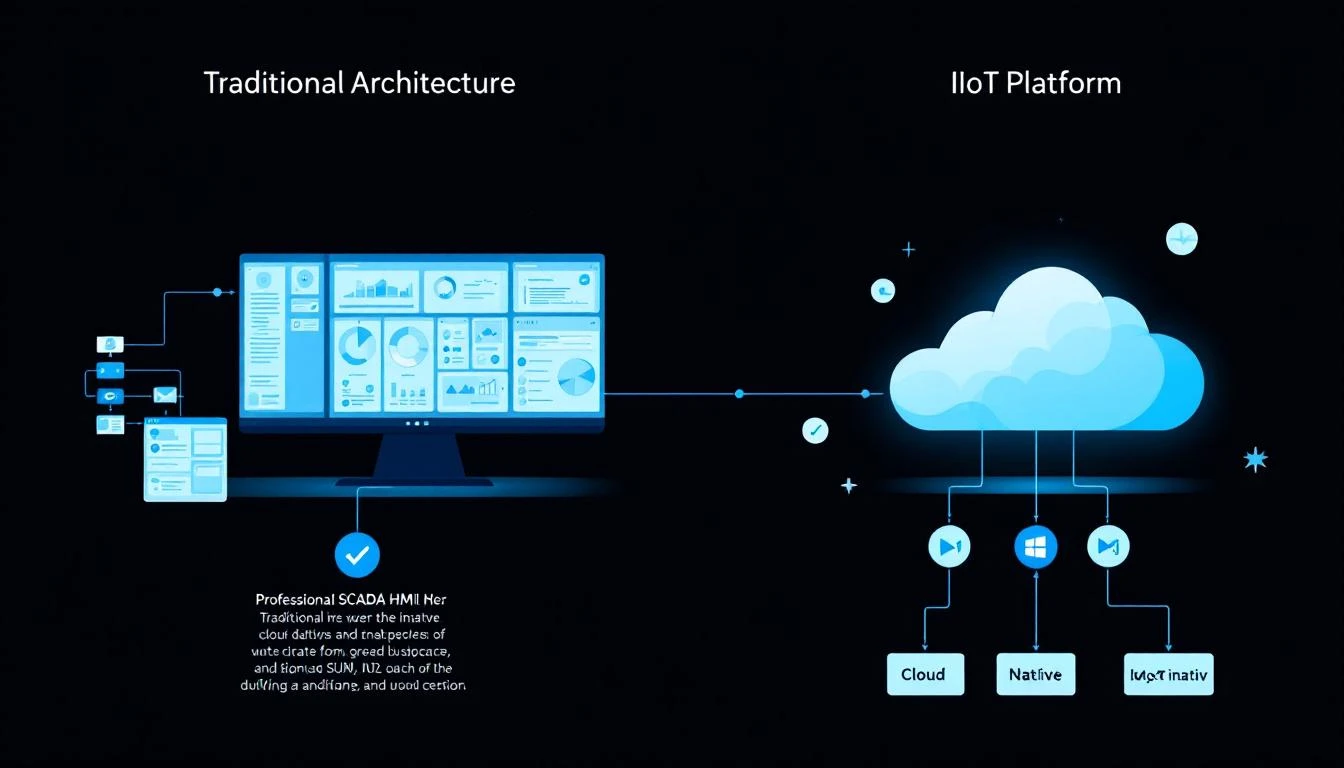
Feature-by-Feature Comparison
Connectivity and Data Collection
Ignition connects to PLCs through OPC UA, with drivers for most major PLC brands (Allen-Bradley, Siemens, Modbus, and many more). Setting up connectivity requires configuring OPC tags, building tag hierarchies, and mapping device addresses. For an experienced Ignition developer, this takes hours to days per machine type. For a newcomer, weeks.
MachineCDN connects to PLCs through protocol-native edge devices that support Ethernet/IP and Modbus (TCP and RTU). Setup takes 3 minutes per device: plug in the edge gateway, configure machine tags, and data flows to the cloud. Cellular connectivity means zero IT network involvement — no firewall rules, no VPNs, no OPC tunneling.
Key difference: Ignition is typically on-premise, meaning you need server infrastructure, network connectivity between the Ignition server and PLCs, and IT support. MachineCDN's cellular edge bypasses all of this.
Dashboard and Visualization
Ignition requires you to build every screen from scratch in the Designer. Want a fleet overview? Build it. Want an OEE dashboard? Build it. Want a maintenance schedule view? Build it. The result can be exactly what you want — but the investment is significant. Most Ignition projects take 3-12 months before users see polished, production-ready dashboards.
MachineCDN provides pre-built dashboards for every use case: real-time machine status, fleet overview, capacity utilization, equipment availability, alarm management, threshold monitoring, maintenance scheduling, and materials tracking. All available immediately upon connection.
Alarming and Alerting
Ignition has a best-in-class alarm system — configurable alarm pipelines, acknowledgment workflows, notification profiles, alarm journaling, and sophisticated escalation logic. For plants with complex alarm management requirements (ISA-18.2 compliance, shift-based routing, multi-level escalation), Ignition's alarm system is genuinely excellent.
MachineCDN offers configurable threshold alerts with active and approaching alert views. Engineers set thresholds on any PLC tag and receive alerts when values breach or approach those thresholds. The "approaching" view — showing values trending toward but not yet at threshold — is a practical feature for proactive intervention. It's simpler than Ignition's alarm system but covers 90% of what most plants need without configuration complexity.
Maintenance Management
Ignition has no built-in maintenance management. You can build maintenance tracking applications in the Designer, but PM scheduling, spare parts tracking, task assignment, and maintenance history require custom development — or integration with a separate CMMS.
MachineCDN includes integrated preventive maintenance with scheduled PM tasks, spare parts availability tracking, machine parts management, and maintenance alert views. When a threshold approaches or a PM task comes due, the platform connects the alert directly to the maintenance action — including whether the required spare parts are in stock.
Fleet and Multi-Site Management
Ignition supports multi-site architectures through its Enterprise Administration Module (EAM), but each site typically needs its own Ignition gateway, and cross-site analytics require custom development or integration through the Ignition Gateway Network. Scaling to 10+ sites is architecturally complex.
MachineCDN manages multi-site fleets natively. Every location, zone, and machine appears in a unified fleet view. Fleet performance comparison, capacity utilization across locations, failure analysis patterns across sites, and spare parts pooling all work out of the box. Adding a new site means plugging in edge devices — not deploying and configuring another server.
Materials and Inventory
Ignition has no native materials or inventory management. Any material tracking requires custom application development.
MachineCDN tracks materials and inventory natively — monitoring raw material usage per machine, hopper and bin levels, material consumption by job or shift, and inventory quantities across locations. For manufacturers in blending, mixing, extrusion, or batch processing, this eliminates a significant blind spot.
Reporting
Ignition has a powerful report module with a visual designer for creating formatted reports with tables, charts, and calculations. Reports can be scheduled or generated on demand. Building reports requires development time, but the results can be highly polished.
MachineCDN provides a custom report builder with tag selection, time range filtering, and zone/location scoping. Reports are built through configuration rather than development — select the tags you want, set the time range, choose the machines or zones, and generate. Less flexible than Ignition's report designer, but usable without development skills.
Pricing and Total Cost of Ownership
Ignition
Ignition's licensing is genuinely industry-leading: unlimited tags, clients, connections, and screens for a flat fee. Standard platform pricing starts around $45,000, with modules adding $15,000-25,000 each. A fully-featured deployment might cost $80,000-150,000 for software alone.
But software licensing is just the beginning:
- Server infrastructure: Hardware, OS licenses, virtualization — $10,000-50,000
- Network infrastructure: OPC tunneling, VPN, firewall configuration — $5,000-20,000
- Development labor: SCADA engineers at $75-150/hr × hundreds to thousands of hours — $50,000-300,000+
- Ongoing maintenance: Software updates, screen modifications, new machine additions — $30,000-80,000/year
- IT support: Server management, backup, security patching — $10,000-30,000/year
3-year total for a 50-machine deployment: $250,000-700,000+
MachineCDN
MachineCDN's pricing is subscription-based with minimal upfront cost:
- Edge hardware: One-time cost per device
- Monthly subscription: Per-device, all features included
- Development cost: Zero — everything is pre-built
- IT cost: Zero — cellular connectivity
- Maintenance cost: Included in subscription
3-year total for a 50-machine deployment: A fraction of the Ignition approach
When to Choose Ignition
Choose Ignition when you:
- Have full-time SCADA engineers on staff
- Need highly customized HMI/operator interfaces at the machine level
- Require ISA-18.2 alarm management with complex escalation
- Want on-premise data only — no cloud, no cellular, no external connectivity
- Have unique process requirements no standard platform addresses
- Are building a comprehensive MES with custom workflows
When to Choose MachineCDN
Choose MachineCDN when you:
- Need machine intelligence without SCADA engineering effort
- Want immediate time to value — 3 minutes, not 3 months
- Need predictive maintenance — not just monitoring, but AI-powered prediction with PM scheduling
- Manage multiple locations and need unified fleet visibility
- Track materials and inventory alongside machine performance
- Can't involve IT — cellular connectivity is the path of least resistance
- Want complete manufacturing intelligence out of the box
The Honest Answer
Ignition is a legendary platform in the SCADA world. For plants that need custom industrial applications and have the engineering resources to build them, it's hard to beat.
But most manufacturers don't need to build custom SCADA applications. They need machine visibility, maintenance intelligence, fleet management, and production analytics. For that, a purpose-built platform that works in minutes — not months — is the smarter investment.
Book a MachineCDN demo and see what you'd get today versus what you'd spend months building.
Related reading: