MQTT Broker Architecture for Industrial Deployments: Clustering, Persistence, and High Availability [2026]
Every IIoT tutorial makes MQTT look simple: connect, subscribe, publish. Three calls and you're streaming telemetry. What those tutorials don't tell you is what happens when your broker goes down at 2 AM, your edge gateway's cellular connection drops for 40 minutes, or your plant generates 50,000 messages per second and you need every single one to reach the historian.
Industrial MQTT isn't a protocol problem. It's an architecture problem. The protocol itself is elegant and well-specified. The hard part is designing the broker infrastructure — clustering, persistence, session management, and failover — so that zero messages are lost when (not if) something fails.
This article is for engineers who've gotten past "hello world" and need to build MQTT infrastructure that meets manufacturing reliability requirements. We'll cover the internal mechanics that matter, the failure modes you'll actually hit, and the architecture patterns that work at scale.
How MQTT Brokers Actually Handle Messages
Before discussing architecture, let's nail down what the broker is actually doing internally. This understanding is critical for sizing, troubleshooting, and making sensible design choices.
The Session State Machine
When a client connects with CleanSession=false (MQTT 3.1.1) or CleanStart=false with a non-zero SessionExpiryInterval (MQTT 5.0), the broker creates a persistent session bound to the client ID. This session maintains:
- The set of subscriptions (topic filters + QoS levels)
- QoS 1 and QoS 2 messages queued while the client is offline
- In-flight QoS 2 message state (PUBLISH received, PUBREC sent, waiting for PUBREL)
- The packet identifier namespace
This is the mechanism that makes MQTT suitable for unreliable networks — and it's the mechanism that will eat your broker's memory and disk if you don't manage it carefully.
Message Flow at QoS 1
Most industrial deployments use QoS 1 (at least once delivery). Here's what actually happens inside the broker:
- Publisher sends PUBLISH with QoS 1 and a packet identifier
- Broker receives the message and must:
- Match the topic against all active subscription filters
- For each matching subscription, enqueue the message
- For connected subscribers with matching QoS, deliver immediately
- For disconnected subscribers with persistent sessions, store in the session queue
- Persist the message to disk (if persistence is enabled) before acknowledging
- Broker sends PUBACK to the publisher — only after all storage operations complete
- For each connected subscriber, broker sends PUBLISH and waits for PUBACK
- If PUBACK isn't received, broker retransmits on reconnection
The critical detail: step 3 is the durability guarantee. If the broker crashes between receiving the PUBLISH and sending the PUBACK, the publisher will retransmit. If the broker crashes after PUBACK but before delivering to all subscribers, the message must survive the crash — which means it must be on disk.
QoS 2: The Four-Phase Handshake
QoS 2 (exactly once) uses a four-message handshake: PUBLISH → PUBREC → PUBREL → PUBCOMP. The broker must maintain state for each in-flight QoS 2 transaction. In industrial settings, this is occasionally used for critical state changes (machine start/stop commands, recipe downloads) where duplicate delivery would cause real damage.
The operational cost: each QoS 2 message requires 4x the network round trips of QoS 0, and the broker must maintain per-message transaction state. For high-frequency telemetry, this is almost never worth the overhead. QoS 1 with application-level deduplication (using message timestamps or sequence numbers) is the standard industrial approach.
Broker Persistence: What Gets Stored and Where
In-Memory vs Disk-Backed
A broker with no persistence is a broker that loses messages on restart. Period. For development and testing, in-memory operation is fine. For production industrial deployments, you need disk-backed persistence.
What needs to be persisted:
| Data | Purpose | Storage Impact |
|---|---|---|
| Retained messages | Last-known-good value per topic | Grows with topic count |
| Session state | Offline subscriber queues | Grows with offline duration × message rate |
| Inflight messages | QoS 1/2 messages awaiting acknowledgment | Usually small, bounded by max_inflight |
| Will messages | Last-will-and-testament per client | One per connected client |
The session queue is where most storage problems originate. Consider: an edge gateway publishes 100 tags at 1-second intervals. Each message is ~200 bytes. If the cloud subscriber goes offline for 1 hour, that's 360,000 messages × 200 bytes = ~72 MB queued for that single client. Now multiply by 50 gateways across a plant.
Practical Queue Management
Every production broker deployment needs queue limits:
- Maximum queue depth — Cap the number of messages per session queue. When the queue is full, either drop the oldest message (most common for telemetry) or reject new publishes (appropriate for control messages).
- Maximum queue size in bytes — A secondary safeguard when message sizes vary.
- Message expiry — MQTT 5.0 supports per-message expiry intervals. For telemetry data, 1-hour expiry is typical — a temperature reading from 3 hours ago has no operational value.
A well-configured broker with 4 GB of RAM can handle approximately:
- 100,000 active sessions
- 500,000 subscriptions
- 10,000 messages/second throughput
- 50 MB of retained messages
These are ballpark figures that vary enormously with message size, topic tree depth, and subscription overlap. Always benchmark with your actual traffic profile.
Clustering: Why and How
A single broker is a single point of failure. For industrial deployments where telemetry loss means blind spots in production monitoring, you need broker clustering.
Active-Active vs Active-Passive
Active-passive (warm standby): One broker handles all traffic. A secondary broker synchronizes state and takes over on failure. Failover time: typically 5-30 seconds depending on detection mechanism.
Active-active (load sharing): Multiple brokers share the client load. Messages published to any broker are replicated to subscribers on other brokers. This provides both high availability and horizontal scalability.
The Shared Subscription Problem
In a clustered setup, if three subscribers share a subscription (e.g., three historian instances for redundancy), each message should be delivered to exactly one of them — not all three. MQTT 5.0's shared subscriptions ($share/group/topic) handle this, distributing messages round-robin among group members.
Without shared subscriptions, each historian instance receives every message, tripling your write load. This is one of the strongest arguments for MQTT 5.0 over 3.1.1 in industrial architectures.
Message Ordering Guarantees
MQTT guarantees message ordering per publisher, per topic, per QoS level. In a clustered broker, maintaining this guarantee across brokers requires careful replication design. Most broker clusters provide:
- Strong ordering for messages within a single broker node
- Eventual ordering for messages replicated across nodes (typically < 100ms delay)
For industrial telemetry where timestamps are embedded in the payload, eventual ordering is almost always acceptable. For control messages where sequencing matters, route the publisher and subscriber to the same broker node.
Designing the Edge-to-Cloud Pipeline
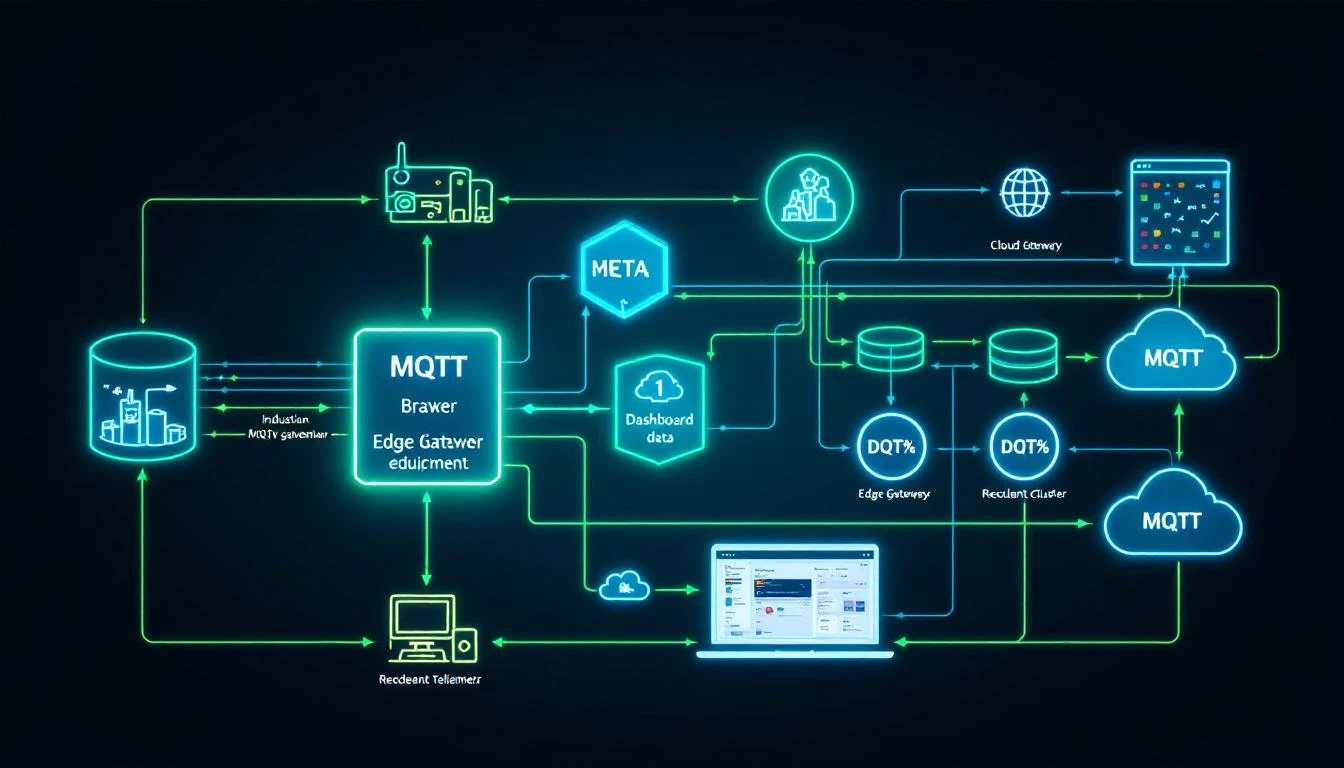
The most common industrial MQTT architecture has three layers:
Layer 1: Edge Broker (On-Premises)
Runs on the edge gateway or a local server within the plant network. Responsibilities:
- Local subscribers — HMI panels, local alarm engines, historian
- Store-and-forward buffer — Queues messages when cloud connectivity is lost
- Protocol translation — Accepts data from Modbus/EtherNet/IP collectors and publishes to MQTT
- Data reduction — Filters unchanged values, aggregates high-frequency data
The edge broker must run on reliable storage (SSD, not SD card) because it's your buffer against network outages. Size the storage for your worst-case outage duration:
Storage needed = (messages/sec) × (avg message size) × (max outage seconds)

Example: 500 msg/s × 200 bytes × 3600 sec = 360 MB per hour of outage
Layer 2: Bridge to Cloud
The edge broker bridges selected topics to a cloud-hosted broker or IoT hub. Key configuration decisions:
- Bridge QoS — Use QoS 1 for the bridge connection. QoS 0 means any TCP reset loses messages in transit. QoS 2 adds overhead with minimal benefit since telemetry is naturally idempotent.
- Topic remapping — Prefix bridged topics with a plant/location identifier. A local topic
machines/chiller-01/temperaturebecomesplant-detroit/machines/chiller-01/temperaturein the cloud. - Bandwidth throttling — Limit the bridge's publish rate to avoid saturating the WAN link. If local collection runs at 500 msg/s but your link can sustain 200 msg/s, the edge broker must buffer or aggregate the difference.
Layer 3: Cloud Broker Cluster
Receives bridged data from all plants. Serves cloud-hosted consumers: analytics pipelines, dashboards, ML training jobs. This layer typically uses a managed service (Azure IoT Hub, AWS IoT Core, HiveMQ Cloud) or a self-hosted cluster.
Key sizing for cloud brokers:
- Concurrent connections — One per edge gateway, plus cloud consumers
- Message throughput — Sum of all edge bridge rates
- Retention — Typically short (minutes to hours). Long-term storage is the historian's job.
Connection Management: The Details That Bite You
Keep-Alive and Half-Open Connections
MQTT's keep-alive mechanism is your primary tool for detecting dead connections. When a client sets keepAlive=60, it must send a PINGREQ within 60 seconds if no other packets are sent. The broker will close the connection after 1.5× the keep-alive interval with no activity.
In industrial environments, be aware of:
- NAT timeouts — Many firewalls and NAT devices close idle TCP connections after 30-120 seconds. Set keep-alive below your NAT timeout.
- Cellular networks — 4G/5G connections can silently disconnect. A keep-alive of 30 seconds is aggressive but appropriate for cellular gateways.
- Half-open connections — The TCP connection is dead but neither side has detected it. Until keep-alive expires, the broker maintains the session and queues messages that will never be delivered. This is why aggressive keep-alive matters.
Last Will and Testament for Device Health
Configure every edge gateway with a Last Will and Testament (LWT):
Topic: devices/{device-id}/status
Payload: {"status": "offline", "timestamp": 1709251200}
QoS: 1
Retain: true
On clean connection, publish a retained "online" message to the same topic. Now any subscriber can check device status by reading the retained message on the status topic. If the device disconnects uncleanly (network failure, power loss), the broker publishes the LWT automatically.
This pattern provides a real-time device health map across your entire fleet without any polling or heartbeat logic in your application.
Authentication and Authorization at Scale
Certificate-Based Authentication
For fleets of 100+ edge gateways, username/password authentication becomes an operational burden. Certificate-based TLS client authentication scales better:
- Issue each gateway a unique X.509 certificate from your PKI
- Configure the broker to extract the client identity from the certificate's Common Name (CN) or Subject Alternative Name (SAN)
- Revoke compromised devices by updating the Certificate Revocation List (CRL) — no password rotation needed
Topic-Level Authorization
Not every device should publish to every topic. A well-designed ACL (Access Control List) restricts:
- Each gateway can only publish to
plants/{plant-id}/devices/{device-id}/# - Each gateway can only subscribe to
plants/{plant-id}/devices/{device-id}/commands/# - Cloud services can subscribe to
plants/+/devices/+/#(wildcard across all plants) - No device can subscribe to another device's command topics
This contains the blast radius of a compromised device. It can only pollute its own data stream, not inject false data into other devices' telemetry.
Monitoring Your Broker: The Metrics That Matter
$SYS Topics
Most MQTT brokers expose internal metrics via $SYS/ topics:
$SYS/broker/messages/received— Total messages received (track rate, not absolute)$SYS/broker/clients/connected— Current connected client count$SYS/broker/subscriptions/count— Active subscription count$SYS/broker/retained/messages/count— Retained message store size$SYS/broker/heap/current— Memory usage
Operational Alerts
Set alerts for:
- Connected client count drops > 10% in 5 minutes → possible network issue
- Message rate drops > 50% vs rolling average → possible edge gateway failure
- Heap usage > 80% of available → approaching memory limit, check session queue sizes
- Subscription count anomaly → possible subscription leak (client reconnecting without cleaning up)
Where machineCDN Fits
All of this broker infrastructure complexity is why industrial IIoT platforms exist. machineCDN's edge software handles the protocol collection layer (Modbus, EtherNet/IP, and more), implements the store-and-forward buffering that keeps data safe during connectivity gaps, and manages the secure delivery pipeline to cloud infrastructure. The goal is to let plant engineers focus on what the data means rather than how to transport it reliably.
Whether you build your own MQTT infrastructure or use a managed platform, the principles in this article apply. Understand your persistence requirements, size your queues for realistic outage durations, and test failover before you need it in production. The protocol is simple. The architecture is where the engineering happens.
Quick Reference: Broker Sizing Calculator
| Plant Size | Edge Gateways | Tags/Gateway | Msgs/sec (total) | Min Broker RAM | Storage (1hr buffer) |
|---|---|---|---|---|---|
| Small | 10 | 50 | 500 | 1 GB | 360 MB |
| Medium | 50 | 100 | 5,000 | 4 GB | 3.6 GB |
| Large | 200 | 200 | 40,000 | 16 GB | 28.8 GB |
| Enterprise | 500+ | 500 | 250,000 | 64 GB+ | 180 GB+ |
These assume 200-byte average message size, QoS 1, and 1-second publishing intervals per tag. Your mileage will vary — always benchmark with representative traffic.