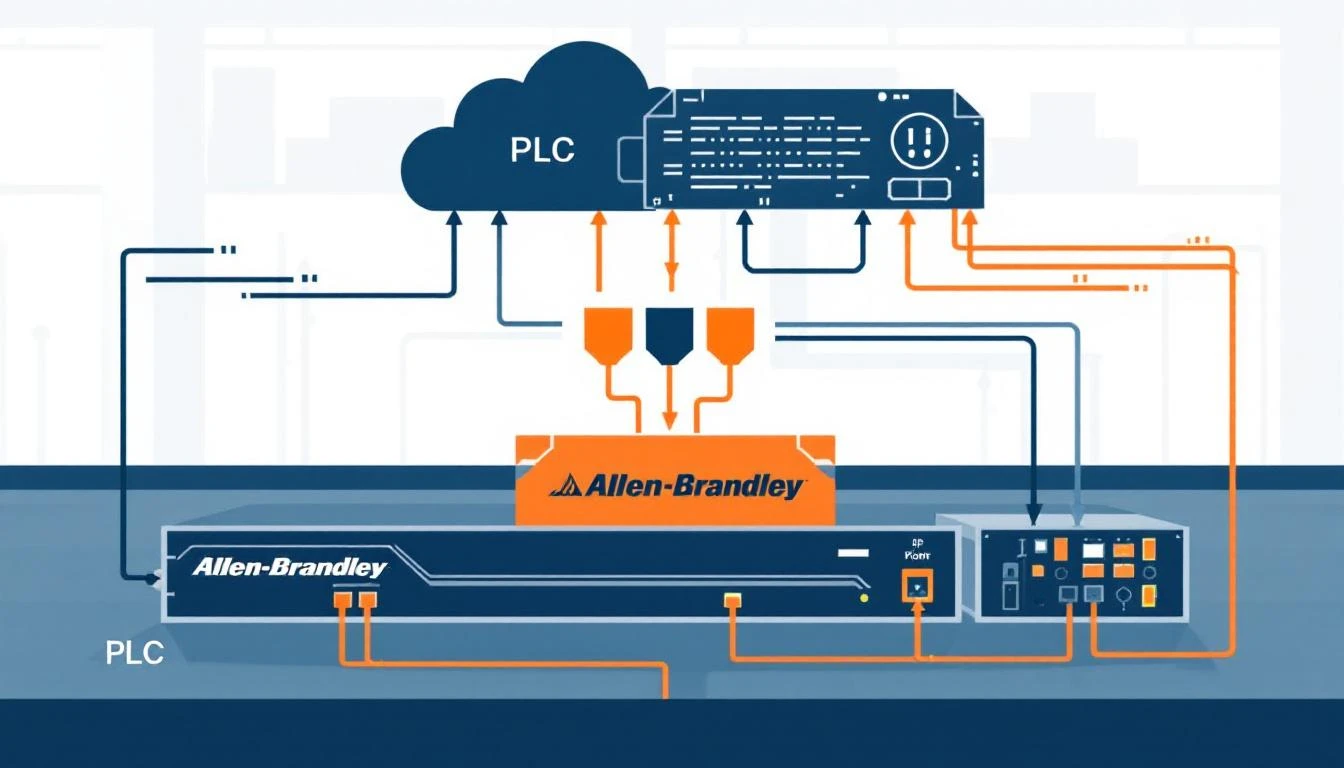
Despite the march toward Ethernet-based protocols, RS-485 serial communication remains the backbone of industrial connectivity. Millions of PLCs, variable frequency drives, temperature controllers, and sensors deployed across factory floors today still communicate exclusively over serial lines. If you're building an IIoT platform that connects to real equipment — not just greenfield installations — you need to understand RS-485 deeply.
This guide covers everything a plant engineer or IIoT integrator needs to know about making RS-485 serial links reliable in production environments.
Why RS-485 Still Matters in 2026
The industrial world moves slowly for good reason: stability matters more than speed when a communication failure could halt a $50,000-per-hour production line. RS-485 has several characteristics that keep it relevant:
- Distance: Up to 1,200 meters (4,000 feet) on a single segment — far beyond Ethernet's 100-meter limit without switches
- Multi-drop: Up to 32 devices on a single bus (256 with high-impedance receivers)
- Noise immunity: Differential signaling rejects common-mode noise from VFDs, motors, and welders
- Simplicity: Two wires (plus ground), no switches, no IP configuration, no DHCP servers
- Installed base: Tens of millions of Modbus RTU devices deployed globally
The challenge isn't whether RS-485 works — it's making it work reliably in electrically hostile environments while meeting the throughput requirements of modern IIoT platforms.
Modbus RTU Over RS-485: The Protocol Stack
When we talk about RS-485 in industrial settings, we're almost always talking about Modbus RTU. Understanding the relationship between the physical layer and the protocol layer is critical for troubleshooting.
The Physical Layer: RS-485
RS-485 (technically TIA/EIA-485) defines the electrical characteristics:
| Parameter | Specification |
|---|
| Signaling | Differential (two-wire) |
| Voltage swing | ±1.5V to ±6V between A and B lines |
| Receiver threshold | ±200mV minimum |
| Common-mode range | -7V to +12V |
| Max data rate | 10 Mbps (at short distances) |
| Max distance | 1,200m at 100 kbps |
| Max devices | 32 unit loads (standard drivers) |
The Protocol Layer: Modbus RTU
Modbus RTU sits on top of the serial link and defines:
- Framing: Silent intervals of 3.5 character times delimit frames
- Addressing: Slave addresses 1–247 (address 0 is broadcast)
- Function codes: Define the operation (read coils, read registers, write registers, etc.)
- Error detection: CRC-16 appended to every frame
The critical insight: Modbus RTU framing depends on timing, not special characters. Unlike Modbus ASCII (which uses : and CR/LF delimiters), RTU uses gaps of silence to mark frame boundaries. This makes timing parameters absolutely critical.
Link Parameter Configuration: Getting It Right
Every RS-485 Modbus RTU connection requires five parameters to match between master and slave. Get any one of them wrong, and you'll see zero communication.
Baud Rate
Common industrial baud rates:
| Baud Rate | Bytes/sec (8N1) | Typical Use Case |
|---|
| 9600 | ~960 | Legacy devices, long cable runs (>500m) |
| 19200 | ~1,920 | Standard industrial default |
| 38400 | ~3,840 | Modern PLCs, shorter runs |
| 57600 | ~5,760 | High-speed data acquisition |
| 115200 | ~11,520 | Point-to-point, short distance |
Practical recommendation: Start at 9600 baud for commissioning. It's the most universally supported rate and gives you the best noise margin on long cable runs. Once communication is established and stable, increase the baud rate if throughput requires it.
The relationship between baud rate and maximum reliable distance is approximately:
9600 baud  → 1,200m reliable
19200 baud → 900m reliable
38400 baud → 600m reliable
115200 baud → 200m reliable
These numbers assume proper termination and shielded twisted-pair cable.
Parity and Stop Bits
The Modbus RTU specification requires 11 bits per character:
- 8E1 (8 data bits, Even parity, 1 stop bit) — Modbus standard default
- 8O1 (8 data bits, Odd parity, 1 stop bit) — Alternative
- 8N2 (8 data bits, No parity, 2 stop bits) — Common substitute
Critical note: Many PLCs default to 8N1 (no parity, 1 stop bit = 10 bits), which technically violates the Modbus spec. If a device uses 8N1, the master must match, but be aware that frame timing calculations change because each character is 10 bits instead of 11.
Slave Address (Base Address)
Every device on the RS-485 bus needs a unique address between 1 and 247. This is typically set:
- Via DIP switches on the device
- Through the device's front-panel menu
- In the device's configuration register
Common mistake: Address 0 is broadcast — never assign it to a device. Address 248–255 are reserved.
Byte Timeout and Response Timeout
These two timeout values are critical and often misunderstood:
Byte Timeout (inter-character timeout): The maximum time allowed between consecutive bytes within a single frame. Modbus RTU specifies this as 1.5 character times. For 9600 baud with 8E1 (11 bits per character):
1 character time = 11 bits / 9600 bps = 1.146 ms
1.5 character times = 1.719 ms
In practice, setting the byte timeout to 3–5 ms at 9600 baud provides a safe margin for real-world serial port implementations.
Response Timeout: The maximum time to wait for a slave to begin responding after the master sends a request. The Modbus specification doesn't define this — it depends on the slave device's processing time.
| Device Type | Typical Response Time |
|---|
| Simple I/O modules | 5–20 ms |
| PLCs (scan-dependent) | 10–100 ms |
| VFDs | 20–50 ms |
| Smart sensors | 50–200 ms |
| Older/slow devices | 100–500 ms |
Start conservative: Set response timeout to 100–200 ms initially. Reduce it once you know the actual response time of your devices.
Modbus Address Conventions and Function Code Selection
One of the most confusing aspects of Modbus is the addressing convention. Different manufacturers use different numbering schemes, and getting this wrong means reading from the wrong registers.
The Six-Digit Convention
Many IIoT platforms and configuration tools use a six-digit address convention to encode both the register type and the offset:
| Address Range | Modbus Function Code | Register Type | Description |
|---|
| 000001–065536 | FC 01 (Read Coils) | Coils (bits) | Read/write discrete outputs |
| 100001–165536 | FC 02 (Read Discrete Inputs) | Discrete Inputs | Read-only digital inputs |
| 300001–365536 | FC 04 (Read Input Registers) | Input Registers | Read-only 16-bit analog values |
| 400001–465536 | FC 03 (Read Holding Registers) | Holding Registers | Read/write 16-bit configuration values |
Example: An address of 300201 means:
- Register type: Input Register (3xxxxx)
- Modbus offset: 201 (subtract 300000)
- Function code: FC 04
An address of 400006 means:
- Register type: Holding Register (4xxxxx)
- Modbus offset: 6 (subtract 400000)
- Function code: FC 03
The Off-by-One Problem
Modbus protocol uses zero-based addressing on the wire, but many documentation and HMI tools use one-based numbering. Register "40001" in documentation is actually address 0 in the Modbus frame.
Rule of thumb: If you're getting zeros or unexpected values, try shifting your address by ±1. This single issue causes more commissioning headaches than any other Modbus problem.
Contiguous Register Optimization
When polling multiple tags from a Modbus device, the difference between naive polling (one request per tag) and optimized polling (grouped contiguous reads) is enormous.
The Problem with Per-Tag Polling
Consider reading 10 individual holding registers at 9600 baud:
Per request overhead:
  Request frame:  8 bytes (addr + FC + start + count + CRC)
  Response frame: 5 bytes overhead + 2 bytes data = 7 bytes
  Turnaround time: ~100 ms (response timeout)

10 individual reads:
  Wire time: 10 × (8 + 7) bytes × 11 bits / 9600 bps = 17.2 ms
  Turnaround: 10 × 100 ms = 1,000 ms
  Total: ~1,017 ms
Optimized Contiguous Read
Reading the same 10 registers in a single request (if they're contiguous):
Single request:
  Request frame:  8 bytes
  Response frame: 5 bytes overhead + 20 bytes data = 25 bytes
  Turnaround: 100 ms

  Wire time: (8 + 25) bytes × 11 bits / 9600 bps = 3.8 ms
  Total: ~104 ms
That's a 10× improvement. For IIoT systems polling hundreds of tags across dozens of devices, this optimization is the difference between 1-second and 10-second update cycles.
Grouping Rules
Tags can be grouped into a single Modbus read when:
- Same function code — you can't mix coil reads (FC 01) with register reads (FC 03) in one request
- Contiguous addresses — no gaps in the address range
- Same polling interval — tags polled every 1 second shouldn't be grouped with tags polled every 60 seconds
- Within size limits — Modbus limits a single read to 125 registers (FC 03/04) or 2,000 coils (FC 01/02)
A practical maximum for a single grouped read is around 50 registers. Beyond that, the response frame gets large enough that serial transmission time becomes significant, and a single corrupted byte invalidates the entire read.
Handling Data Types Across Registers
Modbus registers are 16-bit words, but real-world values are often 32-bit integers or IEEE 754 floats. This requires reading multiple consecutive registers and assembling them correctly.
32-Bit Integer from Two Registers
For a 32-bit integer stored in registers R and R+1:
// Big-endian (most common — Modbus default byte order):
value = (register[R+1] << 16) | register[R]

// Little-endian (some vendors):
value = (register[R] << 16) | register[R+1]
IEEE 754 Float from Two Registers
Floats are trickier because you need to interpret the raw bits as a floating-point value:
// Read two 16-bit registers
uint16_t reg[2] = { register[R], register[R+1] };

// Assemble into 32-bit value (check vendor byte order!)
uint32_t raw = (reg[0] << 16) | reg[1];

// Reinterpret as float
float value = *(float*)&raw;
Critical warning: Byte ordering (endianness) varies by manufacturer. Siemens PLCs typically use big-endian. Allen-Bradley uses different conventions. Modicon (the original Modbus inventor) uses big-endian for the register order but little-endian within each register. Always consult the device manual and verify with known values.
Element Count Configuration
When configuring a tag that spans multiple registers, you need to specify:
- Element count: 1 for a single 16-bit register, 2 for a 32-bit value across two registers
- Data type: int16, uint16, int32, uint32, float
- Start index: Position within an array (for array tags)
Getting the element count wrong is a common source of garbled data — you'll read a 32-bit float as two separate 16-bit integers, producing nonsensical values.
Compare-on-Change: Reducing Bandwidth
For IIoT systems monitoring hundreds of tags, not every value needs to be transmitted every poll cycle. A compare-on-change strategy dramatically reduces bandwidth:
- Read the tag from the PLC at the configured interval
- Compare the new value to the last transmitted value
- Transmit only if changed — skip transmission for unchanged values
- Force-read periodically — every hour, transmit all values regardless of change to ensure the cloud stays synchronized
This approach is especially effective for:
- Boolean alarm tags that are "false" 99.9% of the time
- Setpoints that rarely change
- Status registers that hold steady during normal operation
For analog values like temperatures that fluctuate continuously, compare-on-change is less useful — a deadband (minimum change threshold) is typically needed instead.
Wiring Best Practices
RS-485 wiring errors cause more field failures than any other issue. Follow these rules:
Cable Selection
- Use shielded twisted-pair cable (Belden 9841 or equivalent)
- Minimum 24 AWG for runs up to 300m, 22 AWG for longer runs
- Characteristic impedance should be approximately 120Ω
Topology: Daisy-Chain Only
RS-485 is a bus topology. Every device must be connected in a daisy-chain:
[Master] ---A---[Device 1]---A---[Device 2]---A---[Device 3]
         ---B---            ---B---            ---B---
Never use star topology (home-run wiring from each device back to the master). Star wiring causes signal reflections that corrupt data. If your physical layout requires star wiring, use an RS-485 hub/repeater.
Termination
Place 120Ω termination resistors at both ends of the bus (master and last device). Without termination:
- Short runs (<50m at 9600 baud): Usually works without termination
- Medium runs (50–300m): Marginal — may work until environmental conditions change
- Long runs (>300m): Will not work reliably without termination
Grounding
- Connect the cable shield to earth ground at one end only (typically the master end) to avoid ground loops
- If devices on the bus have different ground potentials, use isolated RS-485 converters
- Always connect a reference ground wire between devices (third conductor)
Routing
- Keep RS-485 cables at least 30cm from power cables carrying more than 10A
- Cross power cables at 90° when unavoidable
- Never route RS-485 in the same conduit as VFD output cables — the PWM noise will destroy signal integrity
Troubleshooting Guide
Symptom: No Communication at All
- Verify wiring polarity: A to A, B to B (note: some vendors label these D+ and D-, and the mapping isn't always consistent)
- Check baud rate match: Use an oscilloscope to measure the bit width on the wire
- Verify slave address: Confirm the device address matches your master configuration
- Try a different cable: Eliminate the physical layer first
- Disconnect all devices except one: Isolate bus-level problems
Symptom: Intermittent Communication Errors
- Check timeouts: Increase response timeout to 200–500 ms
- Add delays between requests: Insert a 50 ms delay between consecutive Modbus transactions to give slow devices time to prepare for the next request
- Check for electrical noise: Use a scope to look for noise spikes on the A/B lines
- Verify termination: Add or adjust 120Ω termination resistors
- Check ground connections: Missing reference ground causes common-mode voltage issues
Symptom: Reads Return Wrong Values
- Verify byte ordering: Try swapping the high and low registers for 32-bit values
- Check address offset: Try ±1 on the register address
- Verify element count: Confirm you're reading the right number of registers for the data type
- Check scaling: Some devices store temperatures as integer × 10 (e.g., 245 = 24.5°C)
- Read the device manual: There's no substitute for the manufacturer's register map
Symptom: Communication Fails After Running for Hours
- Check for buffer overflows: Ensure your master flushes the serial port receive buffer between transactions
- Check SAS token/certificate expiry: If your edge gateway connects upstream via cloud IoT (MQTT/TLS), expired authentication tokens can cascade back to halt local serial polling when the output buffer fills
- Monitor connection state: Track whether your Modbus context shows as connected — some serial port drivers silently drop the connection after errors
- Implement reconnection logic: When errors like
ETIMEDOUT, ECONNRESET, or EBADF occur, close the serial port, wait 1–5 seconds, and re-establish the connection
Serial Communication in the Age of IIoT
Modern IIoT platforms like machineCDN bridge the gap between serial-connected devices and cloud-based analytics. The edge gateway handles:
- Protocol translation: Reading Modbus RTU over RS-485, batching the data, and transmitting to the cloud over MQTT
- Buffering: When the cloud connection drops, data is buffered locally and sent when connectivity resumes
- Optimization: Contiguous register grouping, compare-on-change filtering, and configurable batch sizes minimize both serial bus utilization and cloud bandwidth
- Link state monitoring: The gateway tracks whether each serial device is responding and reports link-up/link-down events as first-class telemetry — so you know immediately when a PLC goes offline
This layered architecture means your RS-485 serial devices don't need to change. The intelligence lives at the edge, where the gateway handles all the complexity of reliable data delivery to the cloud.
Conclusion
RS-485 serial communication isn't glamorous, but it's the foundation that millions of industrial devices depend on. Getting the link parameters right — baud rate, parity, timeouts, and wiring — is the difference between a system that runs for years without intervention and one that generates daily support tickets.
The key takeaways:
- Start conservative with 9600 baud and generous timeouts during commissioning
- Match every parameter between master and slave — there are no auto-negotiation features
- Group contiguous registers to maximize polling throughput
- Handle data types carefully — byte ordering varies by manufacturer
- Wire correctly — daisy-chain topology, proper termination, and shielded cable
- Implement resilience — reconnection logic, buffering, and link state tracking
RS-485 will be with us for decades to come. Master it, and you can connect to virtually any industrial device on the planet.