How to Set Up OPC UA Connectivity for Legacy Manufacturing Equipment

Your factory runs on equipment that was installed before the iPhone existed. The PLCs controlling your injection molders speak Modbus RTU. Your CNC machines communicate via Ethernet/IP. That packaging line from 2004? It has a proprietary serial protocol that only one retired engineer understood.
Welcome to the reality of brownfield manufacturing — where 85% of installed equipment predates modern IIoT connectivity standards, and replacing it would cost millions you don't have.
The good news: OPC UA (Open Platform Communications Unified Architecture) was designed to solve exactly this problem. The bad news: most guides skip the messy details of actually connecting equipment that wasn't designed to be connected.
This guide covers what actually works on real factory floors — not in vendor demo environments.
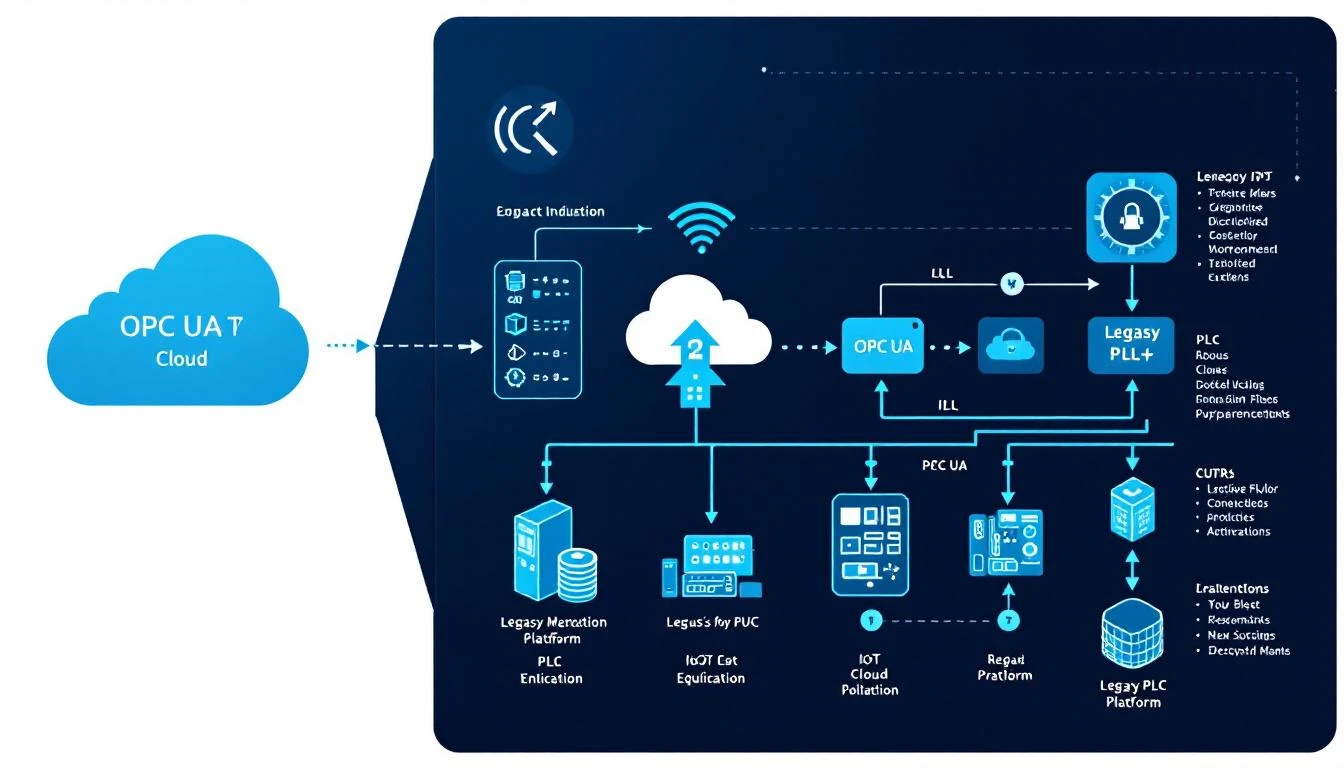
Why OPC UA Matters for Legacy Equipment
OPC UA has become the de facto standard for industrial interoperability, and for good reason. Unlike its predecessor (OPC DA/Classic), OPC UA is platform-independent, runs over standard TCP/IP, includes built-in security, and supports complex data models that can represent everything from simple sensor readings to full production workflows.
For manufacturers with legacy equipment, OPC UA serves as a universal translator. Your Allen-Bradley PLC from 2003 speaks Ethernet/IP. Your Siemens S7-300 speaks PROFINET. Your Mitsubishi MELSEC uses CC-Link. OPC UA wraps all of these into a common information model that modern IIoT platforms can consume.
According to the OPC Foundation, over 50 million devices now run OPC UA globally. The standard has been adopted by every major PLC manufacturer, every major SCADA vendor, and every serious IIoT platform — including platforms like MachineCDN that support direct protocol connectivity alongside OPC UA integration.
The critical question isn't whether to use OPC UA — it's how to implement it without disrupting production on equipment that's been running for 15+ years.
Step 1: Audit Your Equipment Communication Capabilities
Before buying any hardware or software, you need a communication inventory. Walk the factory floor — physically — and document every piece of equipment you want to connect.
For each machine, record:
- Make, model, and year of manufacture — This determines available communication protocols
- Current PLC/controller model — Many older PLCs have communication modules available as add-ons
- Available communication ports — Serial (RS-232/RS-485), Ethernet, USB, proprietary
- Current protocol — Modbus RTU, Modbus TCP, Ethernet/IP, PROFINET, PROFIBUS, CC-Link, DeviceNet, proprietary
- Firmware version — Some PLC firmware updates add OPC UA server capability for free
- Network connectivity — Is it on the plant network? Isolated? Air-gapped?
Common findings in brownfield audits:
| Equipment Age | Typical Communication | OPC UA Path |
|---|---|---|
| Pre-2005 | Serial (RS-232/485), PROFIBUS | Gateway required |
| 2005-2012 | Modbus TCP, Ethernet/IP, PROFINET | Gateway or direct via edge device |
| 2012-2018 | Ethernet/IP, PROFINET, some OPC UA | Direct or firmware update |
| Post-2018 | Native OPC UA available | Direct connection |
Most manufacturers find they need a mix of approaches. A typical plant with 40 machines might have 5-8 with native OPC UA, 15-20 that can use direct protocol connectivity via an edge device, and the remainder requiring protocol gateways.
Step 2: Choose Your OPC UA Architecture Pattern
There are three primary architecture patterns for OPC UA in brownfield factories. Each has trade-offs, and most real deployments use a combination.
Pattern A: OPC UA Gateway (Software-Based)
Install OPC UA server software on an industrial PC that communicates with your PLCs using their native protocols and exposes the data as OPC UA.
Best for: Plants with many different PLC brands, existing SCADA infrastructure, IT teams comfortable managing Windows-based servers.
Downsides: Another server to maintain. Single point of failure unless you run redundant gateways. Software licensing costs can escalate quickly — major vendors like Kepware charge per driver, per connection.
Pattern B: Edge Device with Protocol Translation
Deploy an industrial edge device (like a Teltonika RUT industrial router or a Moxa gateway) that connects directly to PLCs via Modbus, Ethernet/IP, or other native protocols and translates data for cloud consumption.
Best for: Plants that want to bypass IT infrastructure entirely. Smaller deployments. Teams that don't want to manage another server. Manufacturers who need cellular connectivity to avoid touching the plant network.
This is the approach that platforms like MachineCDN use to deliver 3-minute device setup — an edge device that reads PLC data directly via Modbus TCP or Ethernet/IP and sends it to the cloud over cellular, completely bypassing the plant network and IT department.
Pattern C: PLC-Native OPC UA Server
Enable the OPC UA server built into the PLC itself. Newer controllers from Siemens (S7-1500), Rockwell (CompactLogix/ControlLogix v31+), and Beckhoff (TwinCAT 3) include OPC UA server functionality.
Best for: New equipment or recently upgraded controllers. Plants standardized on a single PLC platform. Applications requiring the lowest possible latency.
Downsides: Only works with newer PLCs. Configuration can be complex (especially Siemens with TIA Portal). Each PLC is a separate OPC UA server to manage.
Step 3: Map Your Data Points
This is where most OPC UA projects go sideways. Engineers start connecting everything — every tag, every register, every I/O point — and end up with 50,000 data points that nobody can make sense of.
Start with business outcomes, not data points:
- What decisions are you trying to make? (e.g., "Should I schedule maintenance on Press #4 this weekend?")
- What data drives those decisions? (e.g., hydraulic pressure trends, cycle times, vibration levels)
- Which tags on which PLCs contain that data? (e.g., PLC Register D100 = hydraulic pressure PSI)
A practical starting point for most machines:
- Machine state (running/idle/alarm) — 1-3 tags
- Cycle time — 1 tag (or calculated from start/stop signals)
- Key process parameters — 3-10 tags (temperature, pressure, speed, force)
- Alarm/fault codes — 1-5 tags
- Part count — 1-2 tags
That's 7-20 tags per machine — not 500. You can always add more later. MachineCDN's approach of configurable tag reading with smart data delivery means you only transmit data that's actually changing, further reducing noise.

Step 4: Handle the Protocol Translation Layer
Here's where the real work happens. Let's walk through connecting the three most common legacy protocols to OPC UA.
Modbus RTU/TCP → OPC UA
Modbus is the most common protocol in manufacturing — it's been around since 1979 and runs on everything from motor drives to temperature controllers.
Key considerations:
- Modbus has no built-in data types — register 40001 is just a 16-bit integer. You need to define what each register means in your OPC UA information model.
- Modbus RTU (serial) runs at 9600 or 19200 baud — expect 100-500ms polling cycles. Don't try to read 1,000 registers at 1-second intervals over RS-485.
- Modbus TCP is faster but still half-duplex — only one master can communicate with a slave at a time. If your SCADA system is already polling, you need to coordinate.
Mapping example:
Modbus Register 40001 → OPC UA Node: Machine1.HydraulicPressure (Float, PSI)
Modbus Register 40003 → OPC UA Node: Machine1.CycleTime (UInt32, milliseconds)
Modbus Coil 00001   → OPC UA Node: Machine1.Running (Boolean)
Ethernet/IP → OPC UA
Ethernet/IP (used by Allen-Bradley/Rockwell PLCs) is more capable than Modbus, supporting structured data types and implicit messaging. Most gateways and edge devices that support Ethernet/IP can read tags directly from the PLC by name.
Key consideration: CIP (Common Industrial Protocol) tag names in Rockwell PLCs can be read directly — no register mapping required. This dramatically simplifies configuration compared to Modbus.
PROFINET/PROFIBUS → OPC UA
Siemens-dominated plants typically use PROFINET (Ethernet-based) or PROFIBUS (fieldbus). Connecting these to OPC UA usually requires either:
- Upgrading to an S7-1500 (which has native OPC UA)
- Using a PROFINET-to-OPC UA gateway (e.g., Softing, HMS Anybus)
- Reading data via the S7 communication protocol (which most edge devices and gateways support)
Step 5: Address Security Without Paralyzing Progress
OPC UA has robust built-in security — X.509 certificates, encryption, authentication policies — and your IT security team will want to use all of it. This is where many projects stall for months.
A pragmatic security approach:
- Network segmentation first — Put IIoT traffic on its own VLAN or, better yet, use cellular connectivity to bypass the plant network entirely. This is why MachineCDN's cellular approach is so popular — zero IT involvement means zero network attack surface.
- OPC UA security policies — Start with
Basic256Sha256with signed (not encrypted) messages for internal communications. Add encryption if data traverses untrusted networks. - Certificate management — Use self-signed certificates for the pilot. Plan for a proper PKI (Public Key Infrastructure) for production, but don't let certificate management block your first deployment.
- Firewall rules — OPC UA uses TCP port 4840 by default. Ensure only authorized clients can connect.
Step 6: Test in Parallel, Not in Series
Never cut over from your existing data collection (SCADA, manual logs, clipboards) to OPC UA-based collection in one step.
The parallel running approach:
- Week 1-2: Install OPC UA infrastructure, connect to 2-3 machines, collect data in parallel with existing systems
- Week 3-4: Compare data — are the values matching? Are you catching the same alarms? Is cycle time data consistent?
- Week 5-6: Connect remaining machines, continue parallel operation
- Week 7-8: Validate completeness, begin using OPC UA data for analysis and dashboards
- Week 9+: Phase out manual collection for connected machines
This approach was validated by a McKinsey study on IIoT adoption that found manufacturers who ran parallel systems for at least 4 weeks had 3x higher success rates than those who cut over immediately.
Step 7: Build Your OPC UA Information Model
The OPC UA information model is what makes your data meaningful. Without it, you have registers and tags. With it, you have a semantic understanding of your factory.
Best practices for manufacturing information models:
- Use the OPC UA Companion Specifications — There are companion specs for CNC machines (OPC UA for CNC), robotics, injection molding, and more. Don't reinvent the wheel.
- Standardize naming conventions —
Line2.Press04.HydraulicPressure.Actualis infinitely better thanPLC3_R40001 - Include engineering units — Every numeric value should carry its unit (PSI, °C, RPM, mm)
- Define alarm severity levels — Map PLC alarm codes to standardized severity levels (Normal, Warning, Critical)
- Version your model — Your information model will evolve. Track changes like you track code changes.
Common Pitfalls (and How to Avoid Them)
Pitfall 1: Trying to Connect Everything at Once
Start with 3-5 machines that represent different equipment types. Prove the pattern works, then scale.
Pitfall 2: Ignoring the Human Side
If operators don't trust the new data, they'll ignore it. Involve maintenance technicians in choosing which data points to monitor. Show them the dashboards. Let them validate accuracy.
Pitfall 3: Overcomplicating Security
Security is critical, but don't let perfect be the enemy of good. A cellular-connected edge device with no connection to the plant network is inherently more secure than a complex OPC UA deployment with 47 firewall rules.
Pitfall 4: Treating OPC UA as the Goal
OPC UA is a means, not an end. The goal is reducing unplanned downtime, improving OEE, or enabling predictive maintenance. If you can achieve those goals with direct protocol connectivity (like MachineCDN's Modbus TCP and Ethernet/IP support), you may not need OPC UA at all.
The Faster Path: Direct Protocol Connectivity
Here's a truth most OPC UA guides won't tell you: for many manufacturing IIoT use cases, you don't actually need OPC UA.
If your goal is machine monitoring, predictive maintenance, and OEE tracking, direct protocol connectivity via an edge device can get you there in minutes instead of months.
MachineCDN's edge devices connect directly to PLCs via Modbus TCP and Ethernet/IP — the protocols your equipment already speaks — and send data to the cloud over cellular. No OPC UA server to configure. No gateways to maintain. No IT involvement.
Three minutes from unboxing to live machine data. That's not a marketing claim — it's what happens when you skip the middleware and connect directly to the data source.
Conclusion
Connecting legacy manufacturing equipment to modern IIoT platforms doesn't require replacing your machines or your PLCs. OPC UA provides a standardized path from brownfield equipment to cloud-based analytics, predictive maintenance, and real-time monitoring.
The key is starting simple: audit your equipment, choose the right architecture pattern, map only the data points that drive decisions, and run in parallel before cutting over.
If you want to skip the OPC UA complexity entirely and get machine data flowing in minutes, book a demo with MachineCDN to see how direct protocol connectivity delivers the same outcomes without the middleware.
Ready to connect your legacy equipment? Book a demo to see MachineCDN's 3-minute device setup in action.