How to Track Machine Utilization and Idle Time with IIoT: Stop Guessing, Start Measuring

Ask any plant manager what their machine utilization is, and they'll give you a number. Ask how they calculated it, and you'll usually hear some version of "operator logs" or "we estimate about 75%."
The actual number is almost always lower. And the gap between perceived utilization and real utilization is where your capacity — and your margin — is hiding.
IIoT changes this from a guessing game to a measurement exercise. Here's how to implement real machine utilization and idle time tracking using PLC-level data.
Why Traditional Utilization Tracking Fails
The Operator Estimate Problem
Operators are generally honest, but they're not accurate time-keepers. When asked how long a machine was idle, they round. "About 20 minutes" might have been 35 minutes. "We had a quick setup change" might have been 47 minutes. And the 3-minute micro-stops that happen 15 times per shift? Those don't get reported at all — but they add up to 45 minutes of lost production.
A study by the Manufacturing Enterprise Solutions Association (MESA) found that operator-reported utilization overestimates actual utilization by 10-20%. A plant that thinks it's running at 80% utilization is actually running at 65-70%.
The MES Gap Problem
Manufacturing Execution Systems (MES) improve on manual tracking but still have gaps. Most MES implementations track job start and job end, but not what happens in between. If a machine runs for 4 hours on a job but stopped three times for 5-minute jam clears, the MES shows 4 hours of production — not the 3 hours and 45 minutes that actually occurred.
The "We Need More Capacity" Trap
Plants that can't accurately measure utilization make capacity decisions based on feelings rather than data. The result: buying a $500K machine when the existing machines have 25% more capacity than anyone realizes. Or worse, turning down orders because "we're at capacity" when actual utilization is 65%.
What Real Machine Utilization Tracking Looks Like
IIoT-based utilization tracking works at the PLC level, which means it captures what the machine actually did — not what someone said it did. Here's the data model:
Machine States
Every machine, at every moment, is in exactly one state. The IIoT platform reads PLC tags to determine the current state:
Running (Producing): The machine is in automatic cycle, producing parts. This is your productive time.
- PLC indicator: Cycle active bit, spindle running, servo in motion
- This is the only state that counts as "utilized"
Idle (Available but Not Running): The machine is powered on, no faults, but not producing. Waiting for material, waiting for an operator, waiting for a setup, waiting for quality approval.
- PLC indicator: Machine in ready/standby mode, no active cycle
- This is your biggest opportunity — idle time is capacity you're paying for but not using
Setup/Changeover: The machine is being prepared for a different job. Tooling changes, program loads, material changes, first-article inspection.
- PLC indicator: Setup mode active, manual mode, jog mode
- Target: Reduce through SMED (Single-Minute Exchange of Dies) methodology
Unplanned Downtime: The machine has faulted, is waiting for maintenance, or has an equipment failure.
- PLC indicator: Fault/alarm active, E-stop pressed, safety interlock open
- Target: Reduce through predictive maintenance
Planned Downtime: Scheduled maintenance, scheduled breaks, planned shutdowns.
- PLC indicator: Typically tracked via schedule rather than PLC tags
- Expected and acceptable — but should be verified against actual
Off: Machine is powered down. Outside of production schedule.
- PLC indicator: No communication from PLC, or power-off tag
The Math
Machine Utilization = Running Time / Available Time × 100%
Where:
- Running Time = time the machine was actively producing parts
- Available Time = total scheduled production time (excluding planned downtime and off time)
Idle Time Percentage = Idle Time / Available Time × 100%
The goal is to maximize running time by minimizing idle time, setup time, and unplanned downtime.
Implementing IIoT Utilization Tracking: Step by Step
Step 1: Identify Machine State Signals
For each machine, work with your controls engineer to identify which PLC tags indicate machine state. Common patterns:
CNC Machines:
- Spindle running (analog or binary) → Running
- Program loaded but not started → Idle
- Alarm register > 0 → Unplanned downtime
- Manual/MDI mode active → Setup
Injection Molding:
- Cycle active bit → Running
- Mold closed, no cycle → Idle
- Hydraulic fault, barrel temp fault → Unplanned downtime
- Mold change sequence active → Setup
Stamping Presses:
- Stroke counter incrementing → Running
- Press at top dead center, not cycling → Idle
- Die protection fault → Unplanned downtime
- Single-stroke/inch mode → Setup
Conveyors and Assembly Lines:
- Line speed > 0 → Running
- Line speed = 0, no faults → Idle (starved or blocked)
- Drive fault → Unplanned downtime
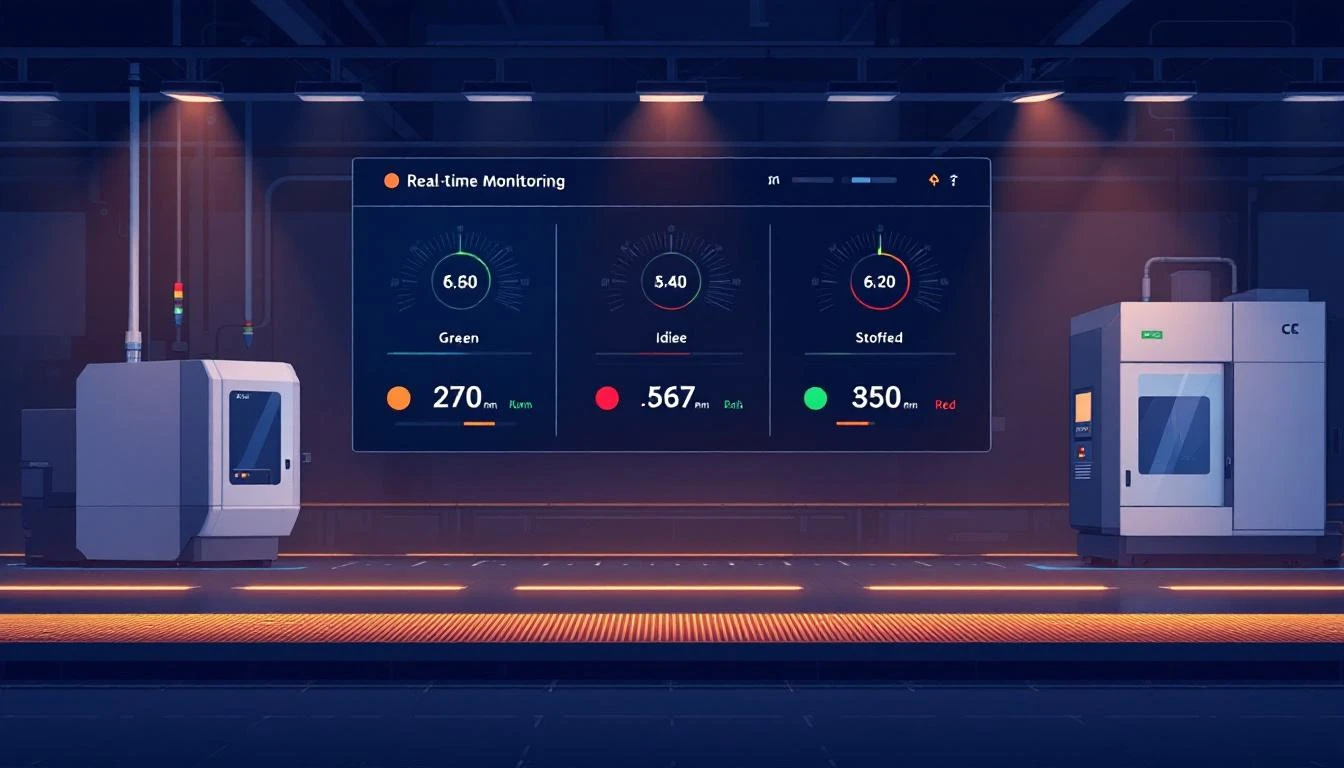
Most modern PLCs make these signals available over Ethernet/IP or Modbus TCP. An IIoT platform like MachineCDN reads these tags directly from the PLC, with 3-minute setup time per machine.
Step 2: Configure State Detection Rules
Once you have the raw PLC tags, configure your IIoT platform to interpret them into machine states. This typically involves:
Binary state mapping: If spindle_running = 1 AND alarm_active = 0, then state = Running.
Threshold-based detection: If motor_current > 5A, then machine is producing. If motor_current < 1A, machine is idle.
Duration filtering: A machine that stops for 2 seconds between cycles isn't "idle" — it's in a normal cycle gap. Configure a minimum idle duration (typically 30-60 seconds) to filter out normal inter-cycle pauses.
State priority: When multiple signals conflict (e.g., machine is "running" but an alarm is active), define which state takes priority. Typically: Off > Unplanned Downtime > Setup > Idle > Running.
Step 3: Establish Baselines
Before you start optimizing, you need to know where you are. Run the utilization tracking for 2-4 weeks without changing anything. Collect baseline data:
- Average utilization per machine per shift
- Average idle time per machine per shift
- Average number and duration of micro-stops (stops < 5 minutes)
- Setup time distribution (average, min, max, standard deviation)
- Unplanned downtime frequency and duration
This baseline is your starting point. It's also the number that usually shocks plant managers — because actual utilization is almost always lower than perceived utilization.
Step 4: Categorize Idle Time
Raw idle time is useful but not actionable. You need to know why machines are idle. Common idle categories:
- Starved: Waiting for material from upstream process
- Blocked: Finished parts can't move to downstream process
- Waiting for operator: Machine ready, operator unavailable
- Waiting for setup: Job complete, next job not prepared
- Waiting for quality: First article inspection, quality hold
- No demand: No production order scheduled
Some of these can be determined automatically from PLC data (starved/blocked conditions often have specific I/O signals). Others require either operator input or inference from context (if no production order is loaded, the machine is idle due to no demand).
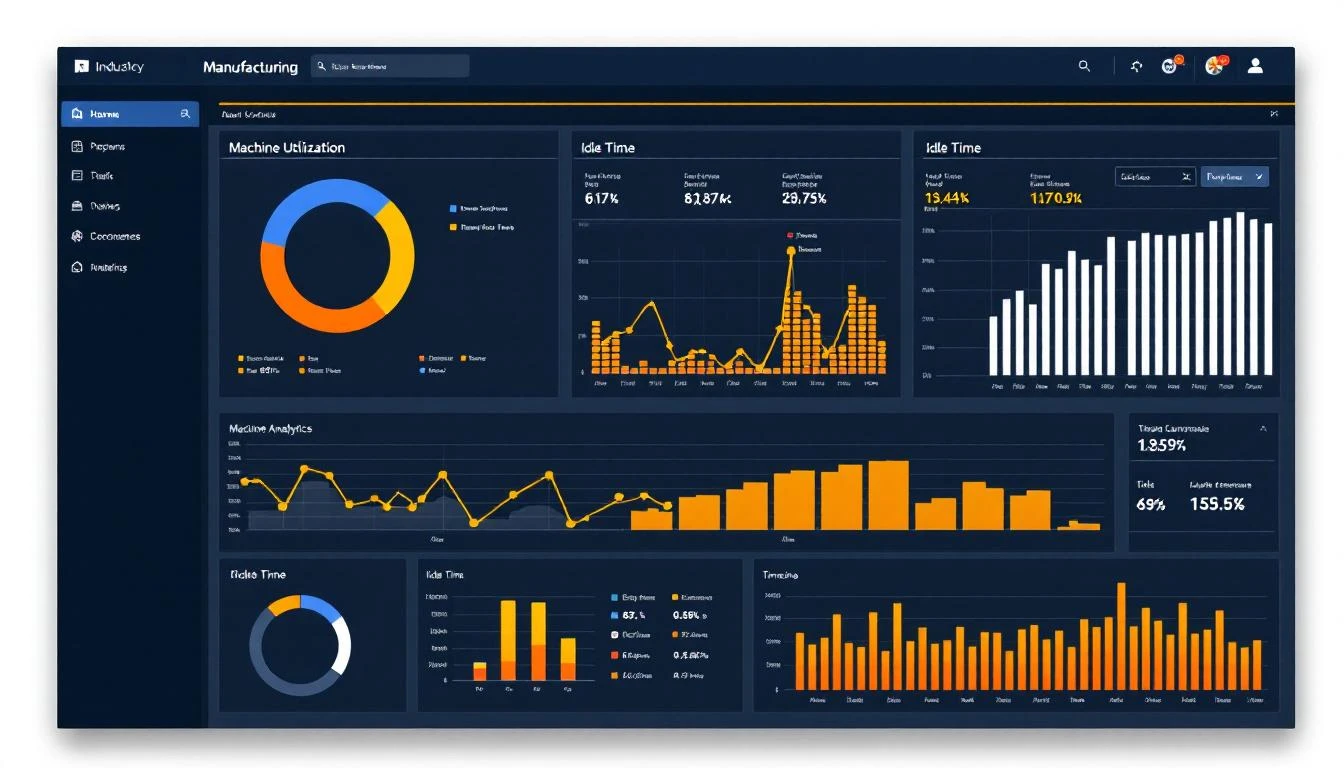
Step 5: Build the Utilization Dashboard
Your utilization dashboard should show:
Real-time view:
- Current state of every machine (color-coded: green = running, yellow = idle, red = down, blue = setup)
- How long each machine has been in its current state
- Current shift utilization percentage (updating live)
Shift/daily summary:
- Utilization percentage per machine and production line
- Idle time breakdown by category
- OEE metrics (availability, performance, quality)
- Top 5 idle time reasons (Pareto chart)
- Micro-stop frequency and total impact
Trend view:
- Utilization trending over days, weeks, months
- Shift-over-shift comparison (see shift handover reporting)
- Machine-over-machine comparison (identify consistently underperforming assets)
Step 6: Set Targets and Alerts
Based on your baseline data, set realistic improvement targets:
- If current utilization is 65%, target 72% in 90 days
- If average setup time is 45 minutes, target 30 minutes through SMED
- If micro-stops total 50 minutes per shift, target 25 minutes
Configure alerts for real-time intervention:
- Machine idle for more than 15 minutes → Alert supervisor
- Utilization below 50% for 2 hours → Alert production manager
- Setup time exceeding 1.5× average → Alert manufacturing engineer
What You'll Discover (It's Always Surprising)
Plants implementing IIoT utilization tracking for the first time consistently discover:
Micro-stops are killing your OEE. Those 2-3 minute stops for jam clears, material changes, minor adjustments — they happen 20-30 times per shift on busy machines. Total impact: 60-90 minutes of lost production per shift, per machine. Nobody tracks them because they're too short to report individually, but collectively they're your biggest loss.
First and last hours are your worst. Shift startup (waiting for operators to arrive, machines to warm up, material to be staged) and shift shutdown (cleanup, counting, handover) consume 30-60 minutes at each end. Implementing staggered starts and structured shift handovers recovers 30-45 minutes per shift.
Your bottleneck isn't where you think it is. You might assume the CNC lathe is the bottleneck because it's "always running." But IIoT data shows it's running at 92% utilization while the downstream deburring station is at 73% — starved because the lathe produces in batches while deburring runs one-piece flow. The constraint isn't capacity; it's flow.
Weekend utilization collapses. Many plants run weekend shifts with skeleton crews. Without the urgency and supervision of weekday operations, weekend utilization often drops to 45-55% — effectively running a full shift for half a shift's output.
The Business Case
Machine utilization improvement has a direct, measurable financial impact:
Example: A plant with 20 CNC machines, each generating $200/hour in revenue when running, at 65% utilization:
- Current: 20 × $200 × 16 hours × 65% = $41,600/day
- At 75% utilization: 20 × $200 × 16 hours × 75% = $48,000/day
- Improvement: $6,400/day = $1.66 million/year
That's not buying new machines. That's extracting more value from the machines you already own. And it starts with measuring what's actually happening, not guessing.
Getting Started
The fastest path from "we think our utilization is 80%" to "we know our utilization is 67% and here's exactly why" is a focused IIoT pilot:
- Connect 5-10 machines to your IIoT platform
- Configure state detection rules
- Run for 2 weeks undisturbed (baseline)
- Review data with production team
- Identify top 3 idle time causes
- Implement countermeasures
- Measure improvement
With MachineCDN, you can connect machines in 3 minutes each, with zero IT involvement through cellular connectivity. You'll have real utilization data within the hour — not the months required to deploy a traditional MES.
Ready to find your hidden capacity? Book a demo to see how MachineCDN tracks machine utilization, idle time, and OEE automatically from your existing PLC data.