How to Migrate from SCADA to Cloud IIoT: A Practical Guide for Manufacturing Engineers

Your SCADA system works. It's been running your plant for 15, maybe 20 years. The HMIs are a bit dated, the historian is maxing out its storage, and the vendor wants $200,000 for an upgrade that mostly changes the UI — but the system works. So why migrate?
Because "works" isn't the same as "works well." Legacy SCADA gives you visibility into what's happening right now, on one screen, in one control room. Cloud IIoT gives you visibility into what's happening across every machine, every plant, from any device — plus predictive analytics that tell you what's about to happen next.
The good news: migrating from SCADA to cloud IIoT doesn't mean ripping out your control system. It means adding a modern data layer on top of it. This guide shows you how.
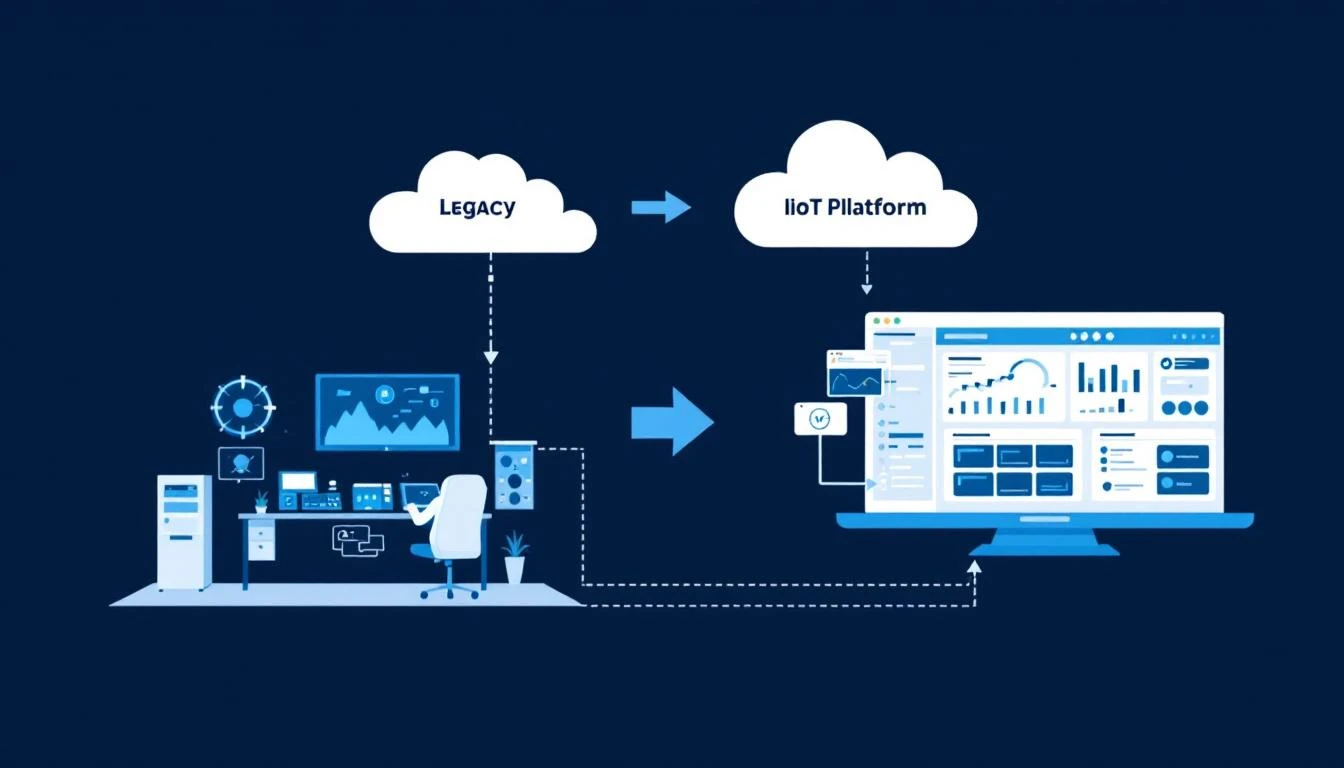
Why SCADA Migration Is Happening Now
Three forces are driving manufacturers away from SCADA-only architectures in 2026:
1. End-of-Life Pressure
Major SCADA vendors are sunsetting legacy platforms. Wonderware (now AVEVA) InTouch versions pre-2020 are losing support. Rockwell RSView32 has been end-of-life since 2019. GE iFIX 5.x support is winding down. When your SCADA vendor tells you it's time to upgrade, the upgrade cost often rivals the cost of deploying a modern IIoT platform.
2. Multi-Site Blindness
SCADA was designed for single-site operations. If you run three plants, you have three SCADA systems, three historians, three separate views of operations. Comparing performance across plants means exporting CSV files and building spreadsheets. Cloud IIoT gives you a single pane of glass across all locations — instantly.
3. The Maintenance Intelligence Gap
Traditional SCADA shows you alarms. Cloud IIoT shows you trends, predictions, and correlations that SCADA can't compute. When a motor's current draw increases 3% over two weeks, SCADA shows you the number. An AI-powered IIoT platform tells you the bearing is likely to fail in 10-14 days and recommends scheduling maintenance next Tuesday.
The Migration Spectrum: Five Approaches
Not every SCADA migration looks the same. Here are five approaches, ordered from least to most disruptive:
Approach 1: Parallel Deployment (Recommended)
What it means: Deploy cloud IIoT alongside your existing SCADA. Don't touch the control system. Don't change anything about how operators interact with SCADA today.
How it works:
- Install an edge gateway that reads data from PLCs (the same PLCs your SCADA reads from)
- The gateway sends data to the cloud via cellular — completely independent of your plant network
- Cloud IIoT analytics process the data and deliver dashboards, alerts, and predictions
- Operators continue using SCADA for control; managers use IIoT for analytics
Risk level: Near zero. SCADA continues operating exactly as before. The IIoT platform is read-only — it observes PLC data without modifying it.
Timeline: Days to weeks for initial deployment.
This is MachineCDN's approach: Connect an edge gateway to your PLC, and data flows within minutes. Your SCADA doesn't know or care that MachineCDN is also reading the same tags.
Approach 2: SCADA Historian Bridge
What it means: Connect your IIoT platform to your existing SCADA historian (OSIsoft PI, Wonderware Historian, etc.) rather than directly to PLCs.
How it works:
- IIoT platform connects to the historian via OPC-HDA, SQL, or REST API
- Historical data migrates to the cloud for analytics
- New data flows continuously from historian to cloud
- Cloud analytics layer adds AI, fleet management, and mobile access
Risk level: Low. You're reading from the historian, not the PLCs. But you're dependent on historian uptime and licensing.
Limitations: You're still limited to the tags and polling rates configured in your SCADA system. If SCADA only polls a tag every 60 seconds, that's all the cloud gets too.
Approach 3: Gradual HMI Replacement
What it means: Replace SCADA HMIs with cloud-based dashboards over time, while keeping the PLC control layer unchanged.
How it works:
- Deploy cloud IIoT with direct PLC connectivity (Approach 1)
- As operators become comfortable with cloud dashboards, reduce reliance on SCADA HMIs
- Eventually retire SCADA servers and licensing — PLCs remain unchanged
- Retain SCADA only for safety-critical control screens (if applicable)
Risk level: Moderate. Requires change management and operator training.
Timeline: 6-18 months for full HMI transition.
Approach 4: SCADA Modernization (Vendor Upgrade)
What it means: Upgrade your existing SCADA to the vendor's latest version, which may include cloud features.
How it works: Follow the SCADA vendor's upgrade path (AVEVA Edge, Rockwell FactoryTalk Optix, Siemens WinCC Unified, GE CIMPLICITY, etc.)
Risk level: Moderate to high. Major SCADA upgrades often require application redevelopment.
Limitations: You're still locked into the SCADA vendor ecosystem, still paying SCADA-level licensing ($50K-500K+), and still managing on-premise infrastructure. The "cloud features" in SCADA 2026 are typically limited compared to purpose-built cloud IIoT platforms.
Approach 5: Full Rip-and-Replace
What it means: Remove SCADA entirely and replace with cloud IIoT for both monitoring and basic control.
Risk level: High. Not recommended for most manufacturing operations.
When it makes sense: Greenfield plants with no existing SCADA, or operations where SCADA licensing costs are extreme and control requirements are simple (on/off, start/stop — not PID loop control).
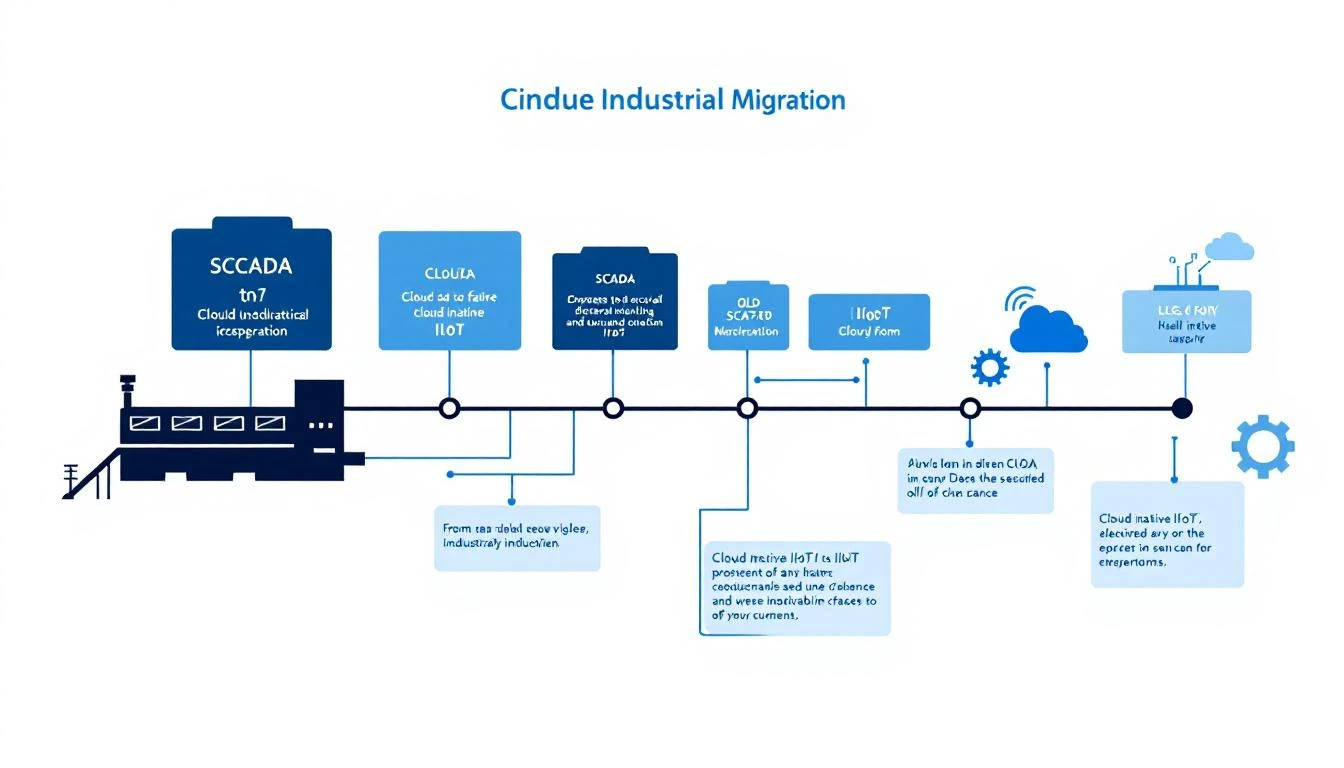
Step-by-Step Migration Guide (Parallel Deployment)
Here's how to execute Approach 1 — the lowest-risk path to cloud IIoT:
Step 1: Audit Your Current SCADA Environment
Before deploying anything new, document what you have:
- PLC inventory: How many PLCs, what brands (Rockwell, Siemens, ABB, etc.), what protocols (Ethernet/IP, Modbus, PROFINET)?
- Tag inventory: How many tags does SCADA monitor? Which are critical? Export your tag database.
- Historian capacity: How much data is your historian storing? What's the retention policy?
- SCADA licensing costs: What are you paying annually for SCADA servers, clients, and historian?
- Pain points: What can't SCADA do today that you need? (Multi-site view? Mobile access? Predictive maintenance? AI analytics?)
Step 2: Identify Pilot Equipment
Start with 3-5 machines that represent your most critical or most problematic equipment:
- High-value equipment where unexpected failure costs the most
- Chronic problem machines that maintenance spends disproportionate time on
- Equipment with modern PLCs that support Ethernet/IP or Modbus TCP (makes initial deployment easiest)
Avoid starting with your most critical production line. The pilot should prove value without creating risk if something doesn't work perfectly on day one.
Step 3: Deploy Edge Gateways
Install edge gateways that connect to pilot PLCs:
- Connect the gateway to the PLC's Ethernet port (or serial port for Modbus RTU)
- Configure tag mapping (which PLC registers to read)
- Set polling intervals (1-60 seconds depending on the use case)
- Verify cellular connectivity (the gateway ships with a SIM card)
- Confirm data flowing in the cloud dashboard
With MachineCDN, this process takes approximately 3 minutes per machine. The edge gateway reads PLC data and transmits via cellular — no plant network integration required.
Step 4: Run in Parallel (4-8 Weeks)
Run both SCADA and cloud IIoT simultaneously:
- Compare data accuracy — do the cloud readings match what SCADA shows? They should be identical (same PLC source).
- Identify new insights — what can the cloud platform show you that SCADA can't? (Trends, predictions, cross-machine correlations)
- Test alerting — configure threshold alerts and predictive maintenance notifications. Verify they fire correctly.
- Gather user feedback — have operators and maintenance engineers use the cloud dashboard. What do they like? What's missing?
Step 5: Expand to Full Plant
Once the pilot proves value (most manufacturers see this within 5 weeks):
- Deploy edge gateways on remaining equipment
- Configure tag mappings for each machine
- Set up fleet-wide dashboards and KPIs
- Establish alerting rules and notification workflows
- Begin building predictive maintenance baselines (AI needs 2-4 weeks of normal operation data)
Step 6: Evaluate SCADA Reduction
After cloud IIoT is running across the plant, assess what SCADA still provides:
- Keep SCADA for: Safety-critical control screens, regulatory-required process control documentation, PID loop tuning interfaces
- Retire SCADA for: General monitoring, alarming (if cloud alerts are sufficient), historian (if cloud data retention meets needs), reporting
Many manufacturers find that after 6-12 months of parallel operation, SCADA is only needed for control functions — not monitoring. This can reduce SCADA licensing costs by 30-60% while gaining capabilities SCADA never had.
Common Migration Mistakes
Mistake 1: Trying to Replicate SCADA in the Cloud
Don't rebuild your SCADA screens in the cloud platform. Cloud IIoT dashboards serve a different purpose — they're about analytics, trends, and fleet visibility, not real-time control. Trying to replicate every SCADA mimic diagram in a cloud dashboard creates unnecessary complexity.
Mistake 2: Waiting for IT Approval to Start
Traditional SCADA projects require deep IT involvement — server provisioning, network configuration, firewall rules, database administration. Cloud IIoT with cellular connectivity bypasses all of this. Don't wait 6 months for IT to approve a network integration when you can deploy independently in an afternoon.
Mistake 3: Boiling the Ocean
Don't try to connect every machine on day one. Start with 3-5 machines, prove value, then expand. This is the fastest path to budget approval for plant-wide deployment.
Mistake 4: Ignoring Change Management
Engineers and operators who've used SCADA for 15 years won't switch overnight. Don't force the transition. Let cloud IIoT prove its value alongside SCADA, and users will migrate naturally to the better tool.
Mistake 5: Choosing SCADA Vendor's Cloud Offering by Default
Your SCADA vendor will offer a cloud migration path. Evaluate it honestly:
- Does it actually solve your pain points, or just move the same limitations to the cloud?
- Is the pricing competitive with purpose-built IIoT platforms?
- Does it support multi-vendor PLC environments, or only their own ecosystem?
- Can it deploy in days, or does it still require months of integration?
The Financial Case for Migration
Here's the TCO comparison most manufacturers discover:
| Cost Item | Legacy SCADA (Annual) | Cloud IIoT (Annual) |
|---|---|---|
| Software Licensing | $50,000 – $500,000 | $12,000 – $60,000 |
| Server Hardware | $20,000 – $100,000 | $0 (cloud) |
| Historian License | $30,000 – $200,000 | $0 (included) |
| IT Administration | $80,000 – $150,000 | $0 (zero IT) |
| Annual Maintenance/Support | $30,000 – $100,000 | Included |
| Predictive Maintenance Add-on | $100,000 – $500,000 | Included |
| Mobile Access | Extra licensing or VPN | Included |
| Multi-Site | Separate installations | Included |
| Total | $310,000 – $1,550,000 | $12,000 – $60,000 |
The cost difference is dramatic because SCADA was designed in an era of on-premise computing, perpetual licenses, and dedicated infrastructure. Cloud IIoT inherits the economics of modern SaaS — subscription pricing, shared infrastructure, and zero maintenance burden.
When NOT to Migrate
Full transparency: there are situations where SCADA migration doesn't make sense:
- Regulatory requirements mandate specific SCADA/DCS functionality (nuclear, pharma GMP, some chemical processes)
- Real-time control loops that require deterministic, sub-millisecond response times — cloud IIoT isn't a control system
- Extreme isolation requirements where no external connectivity is permitted (defense, classified manufacturing)
- Recent SCADA investment — if you just completed a $500K SCADA upgrade 6 months ago, deploy IIoT alongside it rather than replacing it
In all these cases, the parallel deployment approach (Approach 1) still works — you keep SCADA for control while adding cloud IIoT for analytics.
Getting Started Today
The fastest way to start your SCADA-to-cloud migration is the parallel deployment approach:
- Book a demo with MachineCDN
- Connect 3-5 pilot machines (3 minutes each)
- Run parallel for 4-8 weeks
- Evaluate and expand
No SCADA downtime. No control system changes. No IT integration. Just new visibility on top of what you already have.